Everyone who truly enjoys a YouTube channel wants to get immediatly informed when a new video is online. Local channel subscriptions in NewPipe (idk if it‘s also possible with LibreTube) are on the first view a good and privacy-respecting solution for this problem.
But NewPipe checks only whether there‘s a new Video from subscribed YouTube channel available if it is opened (AFAIK) which is not optimal if you want to get immediatly informed without opening NewPipe often. In contrast to that solution, a feedreader can run all permanently in the background. Also, for people who don‘t want to use NewPipe, this solution is worthless.
So, here‘s the solution: Every YouTube channel has an own RSS-Feed!
Here’s how to get the RSS-Feed of any YouTube channel:
Go to the YouTube channel you want to have as a RSS-Feed.
Click on the channel description („more“).
Scroll down till the end.
Click on „Share Channel“
Now open a new tab and paste https://www.youtube.com/feeds/videos.xml?channel_id=
Go back to the other tab.
Click on „Copy Channel-ID“.
Paste the Channel-ID in the other tab after the https://www.youtube.com/feeds/videos.xml?channel_id=
Click enter in the new tab!
Enjoy your YouTube channel RSS-Feed!
Wait! I want only real Videos and no Shorts in my RSS-Feed!
No problem! Just replace the „channel_id“ with „playlist_id“ and the beginning of the Channel-ID, which should be „UC“, with „UULF“! Now you have only Videos and no Shorts in your RSS-Feed!
Only getting a specific type of content from a channel in your RSS-Feed works not only with „only videos“, it works also with „only livestreams“, „only shorts“ and more. For a full table see here (if that link doesn‘t work try this one).
Yes, that could be very much improved! However, I am not gonna submit a pull-request since I won‘t use GitHub which itself is closed-source and owned by evil big-tech MicroSlop. I don‘t even have a GitHub account.
I personally think Privacy Guides should switch to entirely free non-profit Codeberg.
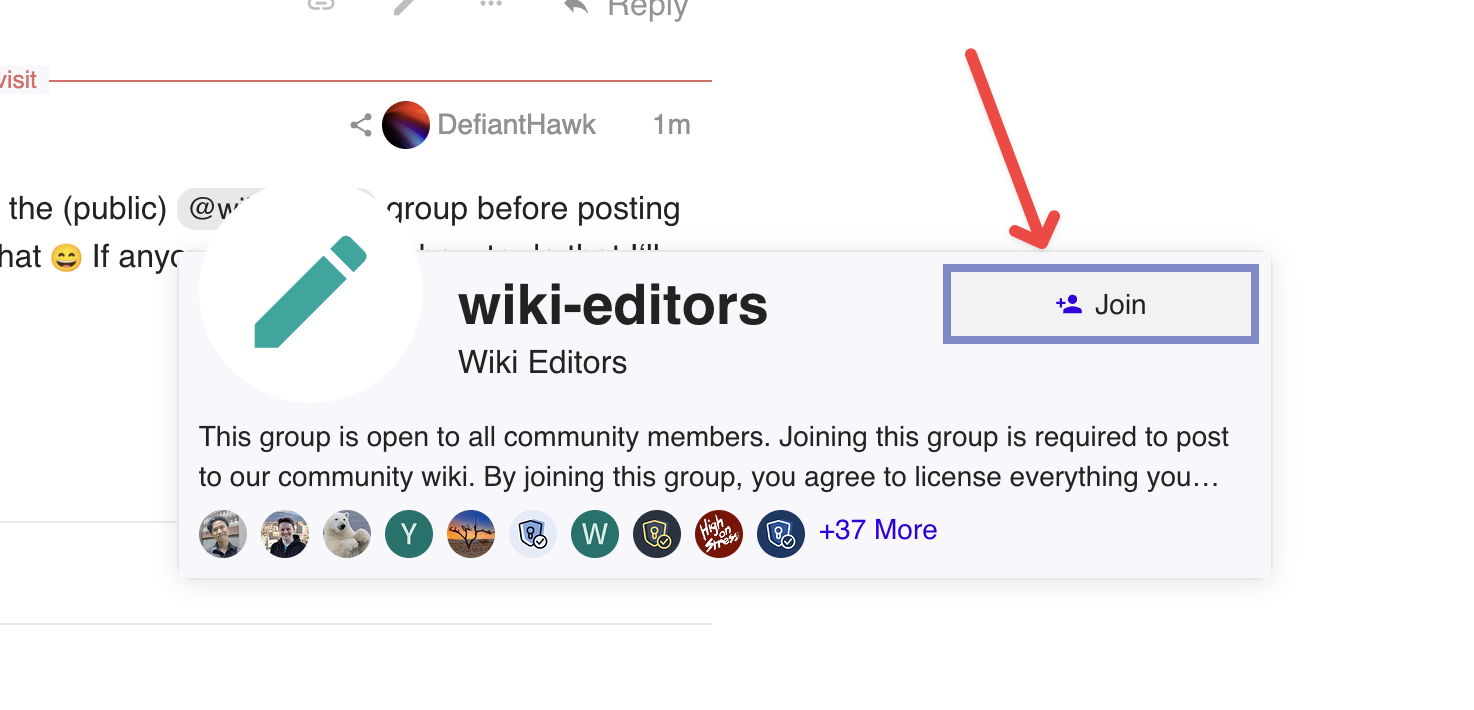
I would‘ve done it but it says „You must join the (public) @wiki-editors group before posting or replying in this category.“ - idk how I do that If anyone says or links how to do that I‘ll do it
I guess the community wiki should only include the last part with the fact that you can filter specific content of the videos since the first part how to get the RSS-Feed is already in PG‘s official site?