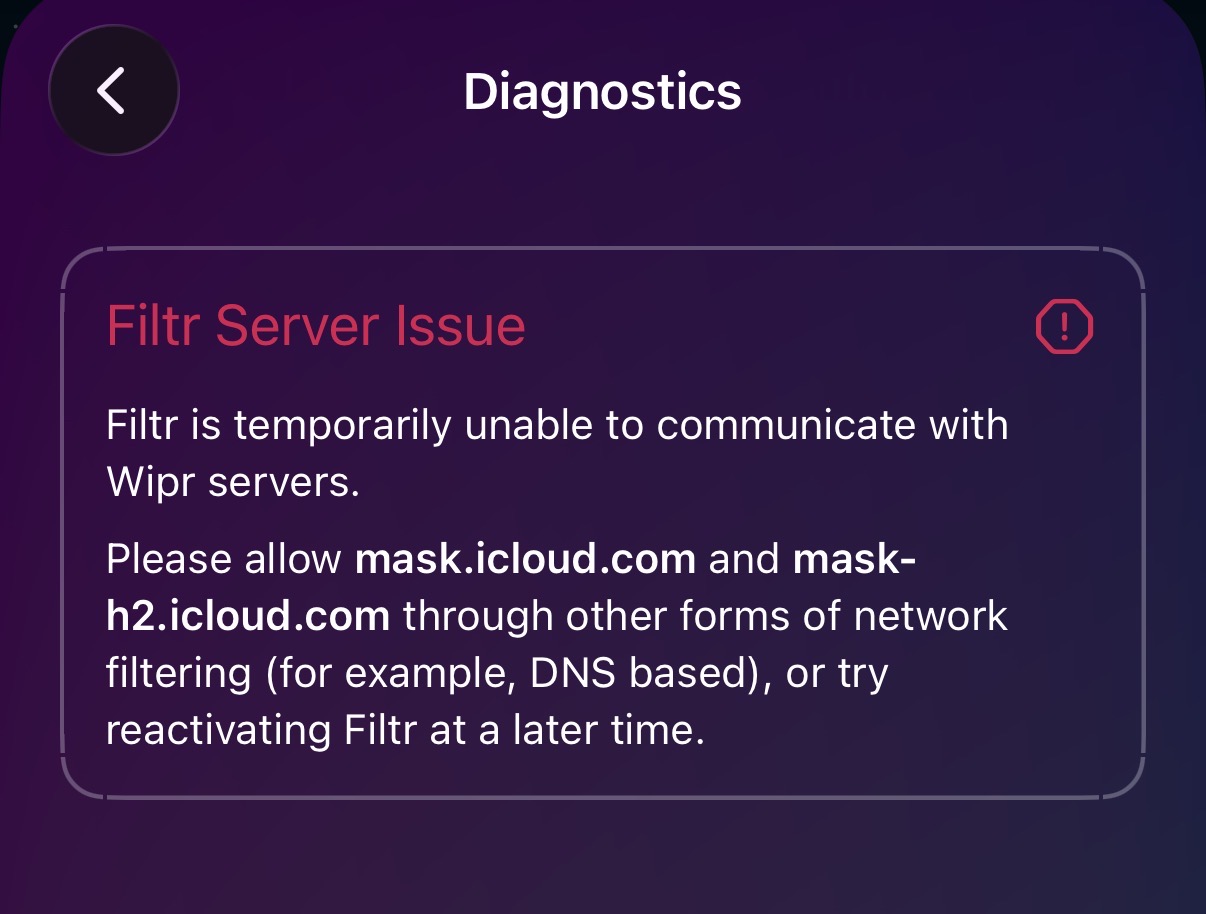
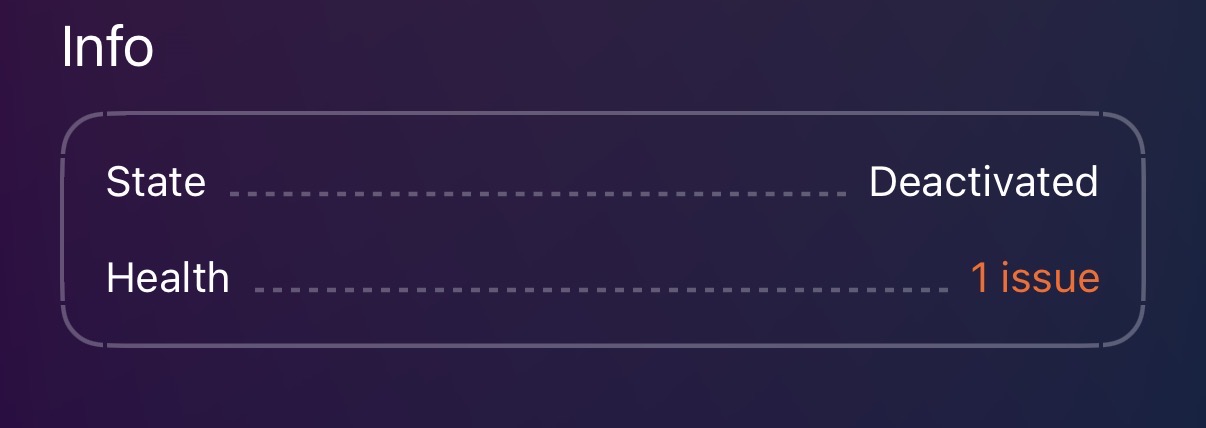
I don’t think I’ll be using the service anyway. Wipr (and presumably Filtr) doesn’t show what it is actually doing so I cannot be confident that it works. As such, I’ll stick with DNS for now.
Sorry it didn’t help. Did you attempt to get a refund for the Filtr IAP?
I’m a tad disappointed by the limitations of Apple’s API here, particularly its lack of feedback. The AdGuard blog post linked by @fria above already highlighted it[1], so maybe I (we?) was just expecting too much[2].
For the people having issues, I assume you’re using VPNs? When I was with Apple, I repeatedly had issues connecting to some of their private relay domains (i.e., Mullvad IPs were blocked). Wondering if that’s the case here, too.
No need to be sorry - well worth a try! And appreciated!
No. My guess is: it works. It does when I take NextDNS off and just use the normal VPN. And I gather from others it works for them. I mean, who knows what it actually does because it isn’t shown. And this I do have an issue with. That said, although I’ve cancelled the subscription (from 2027), it was only £4.99 (x2) in total and I’m OK with this to support to dev. They’ve clearly done some good work here, but it needs some improvements. This may be constraints with Apple but they’re on the right lines so I appreciate this and will be a donation. That way hopefully they can continue to develop.
For me, it’s not the Mullvad IPs. In fact, they work (again, Wipr/Filtr shows it to be on with no issue, but I don’t actually know if it is working…). It’s when I have NextDNS on it doesn’t like it. I wonder if this is an issue with iOS profile configuration. iOS doesn’t tend to like more than one profile (or ‘Restrictions and Proxies’) and this “URL Filter” is one of them. Perhaps ‘DNS Proxy and DNS Settings’ is affecting the “URL Filter”.
I’ve seemingly had no problems with Filtr in conjunction with a VPN or encrypted DNS.
I think this covers a different use case than DNS blocking and that both should be used. URL filters can filter entire URLs, which means they should have more precision than DNS blockers. However, DNS level blocking is still important because (1) it gives end-users control that URL filters don’t and (2) everything still goes through DNS at the end of the day, so might as well add another filtering layer there.
Maintaining a blocklist is a lot of work, which is why you generally leave it to a third party to do it. But if you go in your Screen Time settings, you can block/allow specific sites.
I’m intrigued by this, but will stick with my current set up for now. Which is uBlock Origin Lite with a NextDNS profile with the Hagezi Ultimate blocklist.
Maybe AdGuards implementation will change my mind, but while I recommend Wipr to friends and family who are not super technical, Wipr is not as aggressive as Hagezi Ultimate or event uBOL is in my experience.
Wipr is great for what it is - set and forget and generally avoid breakage, but as a more aggressive user it leaves me wanting personally.
No because it only covers the URLSession API and WebKit:
Network Extension URL Filter examines all URL requests sent via WebKit and the URLSession API.
There’s a voluntary Participation API for apps that don’t use those:
For browsers or any app that doesn’t use WebKit or URLSession, use the NEURLFilter Participation API to voluntarily check URLs.
There just needs to be a proper user-facing network permission at some point. Chinese iPhones actually already have this permission and they have for many years.
It’s kind of bizarre that they have a permission locked to one region when it seems to cause issues with some developers’ apps because they don’t even know it exists.
Spoke too soon. Things work inconsistently. Gonna brain dump here so this is likely not entirely accurate:
Normally I block iCPR at the DNS level to prevent weird issues. But URL Filters use some of the same domains that iCloud Private Relay (iCPR) does for functionality. So it comes back to the problem people have been fighting forever where iCPR bulldozes DoH configs. Apple’s documentation explicitly states that DoH profiles are respected and override iCPR’s ODoH but some people seem to have more luck with that than others.
It’s also a bit less straightforward on macOS. Little Snitch and DNS profiles conflict with each other as macOS only allows one “filter” at a time. Whereas on iOS DNS profiles seem recognized as a first-class DNS configuration.
I’ve fooled around with different toggles and settings. The best I could do is make things work inconsistently. This PG post did not help me, unfortunately.