Looks like this might be the first app out of the blocks utilising Apple’s new technology. Interested to see what others think, from a layman’s perspective this looks great.
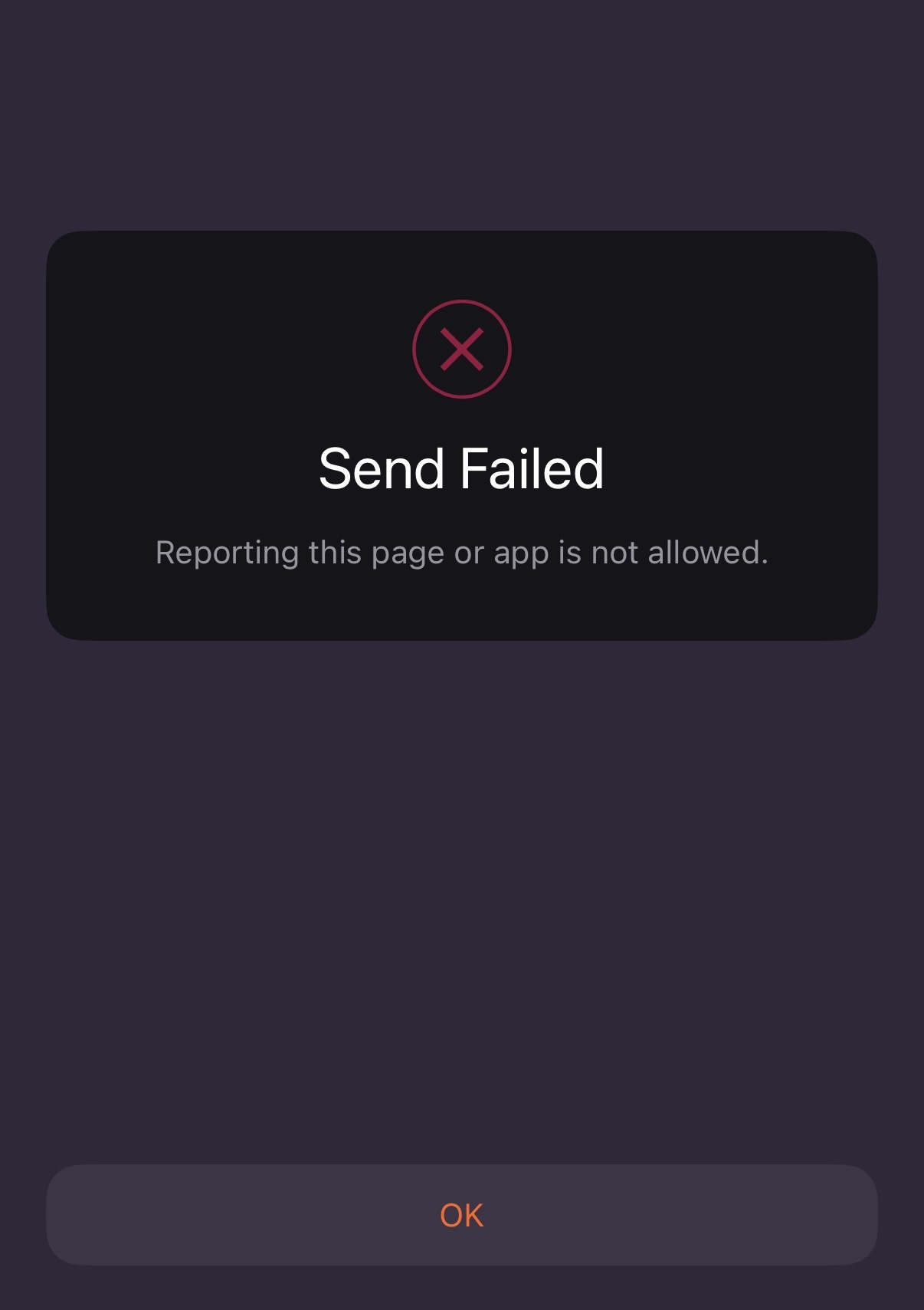
And trying (both ways) to report via the Wipr app gets me here
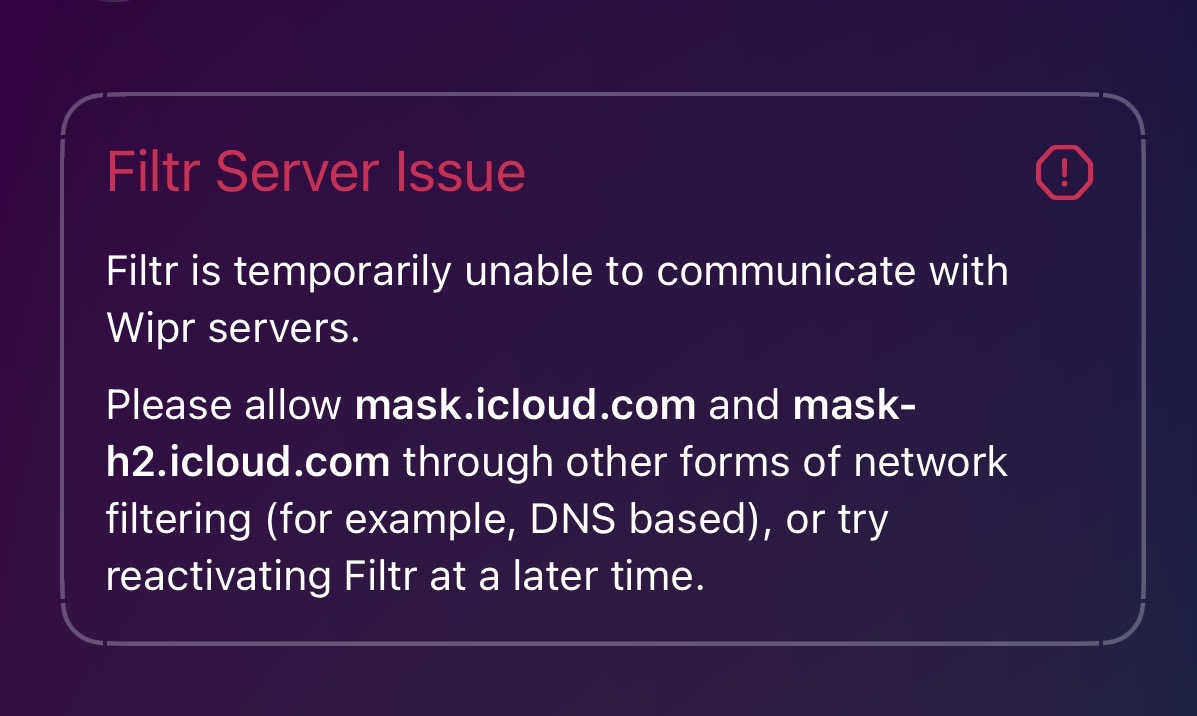
Be interested to see if anyone else experiences the same Filtr Server Issue error.
That’s annoying. Not that it helps you, but just for info, it worked ok for me earlier.
1 Like
Interestingly, I just changed DNS settings and when not using NextDNS it’s now working…
I can’t see anything from the logs denying it when it’s activated. Strange.
EDIT: Now I’m going through the Wipr app, it would be good to know what it is actually blocking?
1 Like
Thank you for the heads up on this!
I’m a long time Wipr user and didn’t know this was now active. I just turned it on while using Private Relay and NextDNS with no issues.
1 Like
This is good news. Must be something with my set up as it doesn’t work with NextDNS on for me. That said, I don’t use private relay due to the conflict between the two. Well, actually, more to the point: Private Relay isn’t available to me as I don’t have iCloud+ because I don’t back up my phone and absolutely nothing is switched on under ‘Saved to iCloud’, so no need for me.
I’ll do some more investigating but it’s good to know it’s working for you @anon64393658!
Side question: When you say “no issues”, do you know what it is actually blocking or are you simply trusting that it is doing something?
I am on version 2.30.1 of Wipr. Are you on an older version?
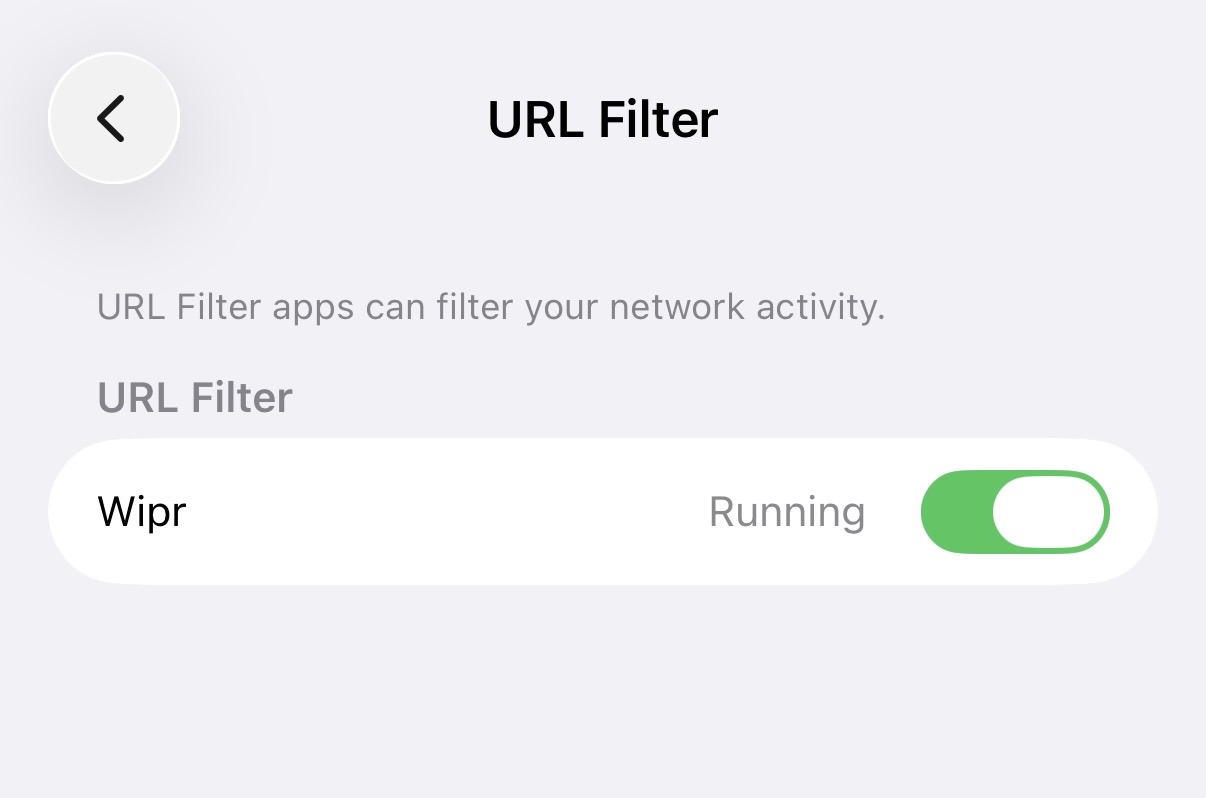
As for working, I tested it by disabling my NextDNS profile and then opening Apple News. No ads visible in that app. Additionally under “VPNs, DNS & Device Management” in settings the URL filter is showing as “running” with Wipr 2 as the source.
1 Like
I am on the same version (34024)
Interestingly, when trying to activate Filtr it does go to the installation page and you think it’s ‘done’ but it isn’t and the app says “Deactivated - 1 Issue” (per above).
Yes, this for me doesn’t work.
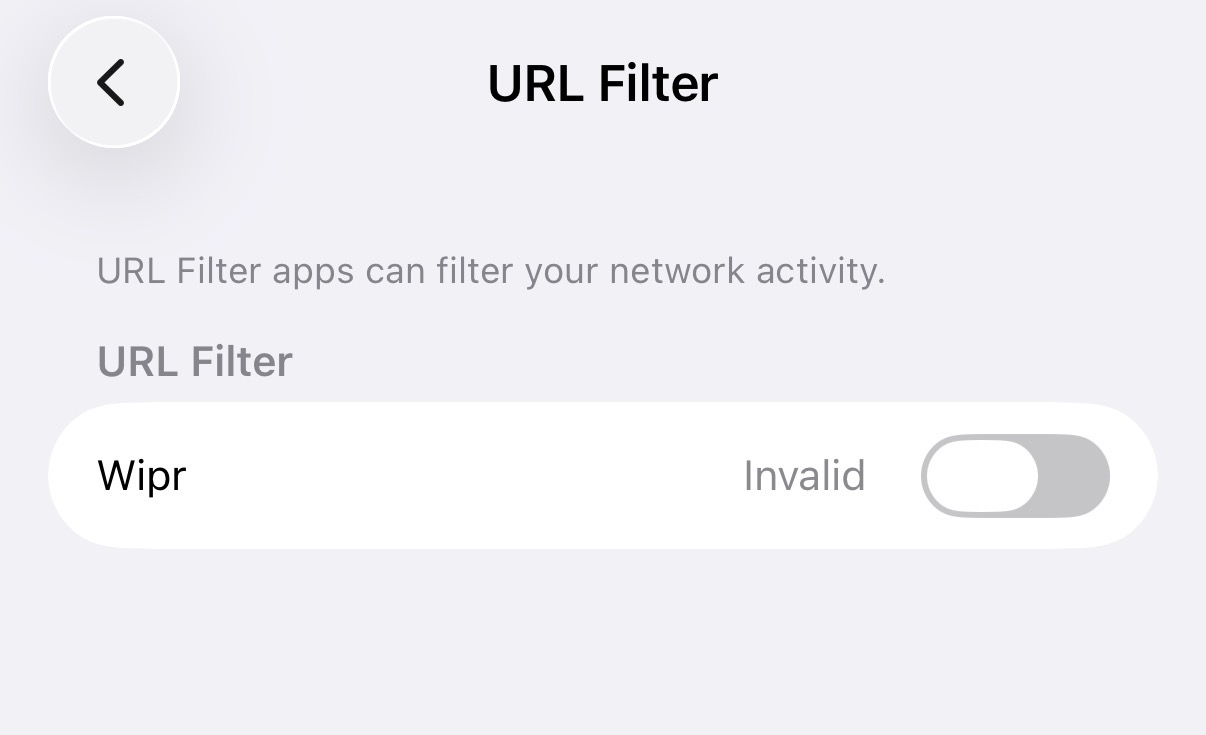
Thanks for your update on this. Really appreciate as helping me troubleshoot.
EDIT: Disabling the custom DNS server in Mullvad allows it to work:
In fairness, given the app dev’s admissions around apps own DNS resolvers (I think?), I don’t know why one would need Filtr and NextDNS?
1 Like
This has essentially been my reservation with Wipr since the beginning. I know it works because I’ve compared websites with it enabled and disabled, but its set-n-forget nature makes it a tad too simplistic and opaque for my liking.
To Wipr’s credit, this lack of granularity means it’s not as clunky as something like wBlock[1] or AdGuard. It just works without fuss, although you’ll need to augment Safari with other extensions[2] as soon as you realize Wipr’s limits.
I’d assume the same with Filtr. You’re probably just getting the same filterlists Wipr relies on, just extended system-wide now. Probably good enough for most people, but not quite at the level of NextDNS with HaGeZi Multi Pro/Ultimate.
Won’t lie, Filtr does seem appealing for my particular use case. I currently have Mullvad set up on the router for this particular iPad, so in theory I could enable Private Relay (included with my Apple One sub) which would effectively give me randomized oDoH queries for each Safari tab while Filtr does the filtering (something Private Relay lacked) for everything outside Safari, all whilst being inside a Mullvad tunnel.
1 Like
This seems to be a Mullvad specific problem. I don’t have Mullvad. I usually use Private Relay but have IVPN for when I need VPN specific functions PR doesn’t provide.
I just tested it with IVPN activated and Filtr continued to run. Maybe a Mullvad kill switch is blocking the connection to the Filtr blocklist server?
Edit: There is no real need for both Filtr and NextDNS. I’m running both because I really like Wipr and want to support developer, there are times I don’t use NextDNS if it’s breaking something so a backup on device is nice, and I can trouble shoot it on my device before getting it deployed on my Spouse’s iPhone 
1 Like
Interesting article here around Apple OHTTP Relay: 14 Third-Party Endpoints, 6 Countries, Zero User Visibility.
Why would Wipr/the developer be linked to the ‘Live caller ID’ in this way?
What are the problems with wBlock and AdGuard?
In order to use Apple’s URL-filtering API, you need to use OHTTP to hide Your IP address from the adblocking app. It’s an open IETF standard. I’m not sure why this article seems to think it’s just for life caller ID, it’s used by a lot of companies including Google for safebrowsing. The whole idea is you separate the request between at least two parties, one that knows your IP address but not your destination, and one that knows your destination but not your IP address. So theoretically it doesn’t matter who One of the nodes is, they don’t know who you are.
4 Likes
Hi - and thanks!
Ah, so this may explain it, but strange how only 14 were highlighted including the Wipr app/that dev. Thought it looked too coincidental particularly as there’s a lot of trust in Wipr with Filtr that they can’t see what is going on…
The Live Caller ID is what has thrown me specifically with Wipr and particularly Filtr given the latter is using the URL Filter.
I’ve been waiting to see how this is supposed to be implemented so I can get an understanding of its worth using something like this for my workflow but I’ve read documentation from apple and the Filter blog and I am still confused. Is this essentially like a url based local firewall for iOS?
AdGuard goes over it more thoroughly than others. It’s not local but it has parts that are local, like it does a prefilter to decide if it needs to query the server first.
It’s combining a lot of technologies like Privacy Pass, OHTTP, and private information retrieval to make it work server-side while still being private.
With DNS blocking, your DNS server sees your requests and your IP address so they know what websites you’re visiting.
3 Likes
Is AdGuard going to implement it though? I’m surprised that Wipr beat them to it.
Adguard plans to, yes, but like Wipr I believe they’ve been stuck in app store review hell for months
1 Like
Oh? So they’re already finished and just waiting for Apple to complete their review of the app?