Yeah if you read their post that Fria linked above, they say so near the bottom
I’d like to add that we came up with our own implementation of PIR and it is currently being reviewed by Apple (for over a month, in fact). I hope very much that it will successfully pass the review sooner rather than later and we’ll be able to add this functionality to AdGuard products.
The developer of wipr was complaining that apple was taking months to review filtr, too
That blog post was from December 2025. That’s a hell of a wait! Is this the assumption that AdGuard has acknowledged Apple is the reason behind the delay? Why can’t AdGuard just release a DMG to get around Apple’s review process?
To be honest I’m not entirely sure what the usage restrictions are for URL filtering. E.g., whether you need to serve the app through app store to use it. However, the review process involves Apple auditing your server configuration, so even if they let you distribute your implementation outside the app store, you would need their approval (since ohttp in this case uses an Apple relay, I don’t think there is any way around this)
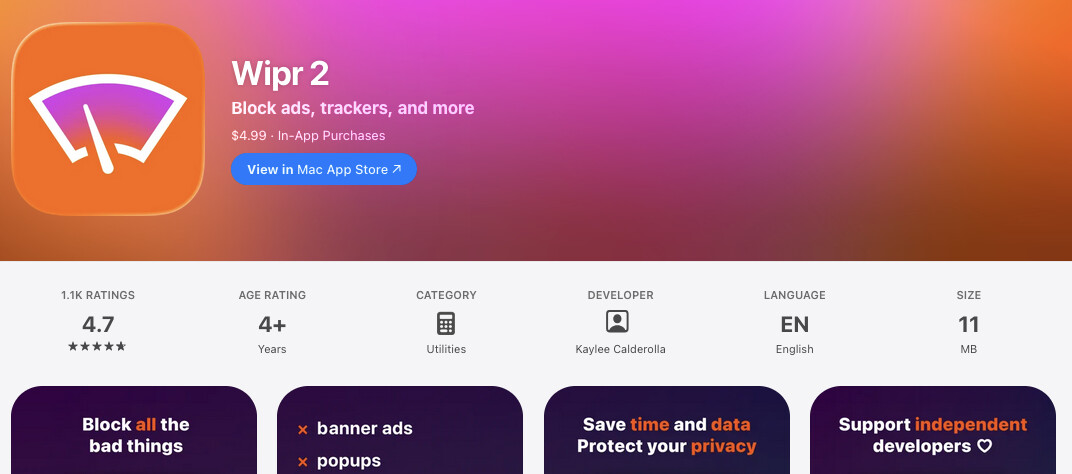
You need to buy Filtr after buying Wipr, Wipr itself is just in Safari. But yes if you enable Filtr, you’ll get ad blocking in third party apps systemwide.
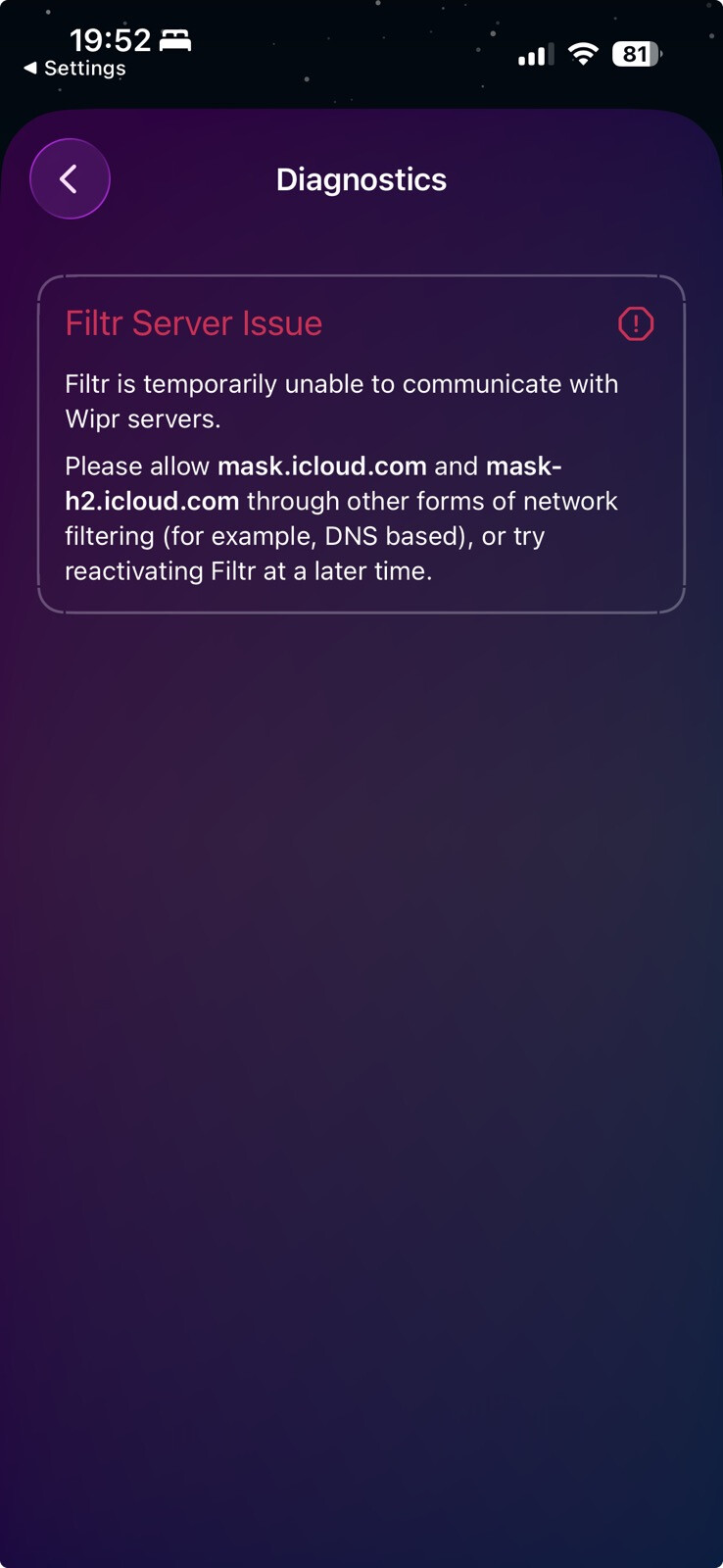
The DNS filter you’re using is blocking the domains Apple uses for Private Relay, OHTTP, etc. They’re for hiding your IP address, you should probably figure out how to allow those or change what DNS you’re using. I assume it’s just blocking those domains because they’re Apple domains and they don’t really consider what the purpose is of the domains they’re blocking.
You don’t need the DNS blocker on your iPhone with this enabled, this is going to be more effective and more private.
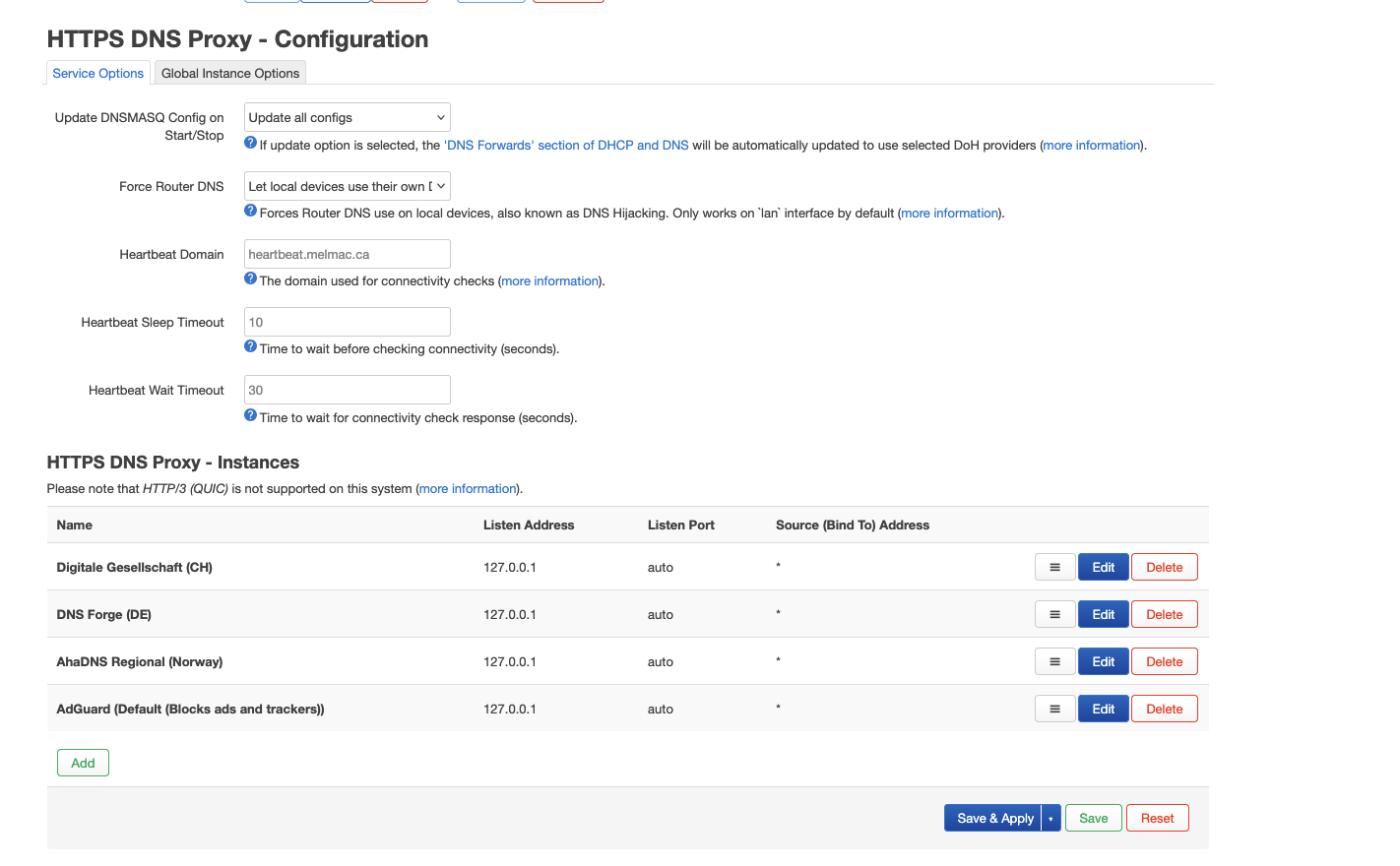
One of those DNS providers is blocking it, most likely the top one. You might go through and see if you really need all of those and maybe remove a few. You could also set the DNS settings on your iPhone to be different than the default on your network.
Yes the device-wide ad blocking is more private and effective than DNS blocking.
PG recommend ublock Origin Lite which is available for free on Safari. Wipr is paid and uses the same blocking APIs. The device-wide URL filtering API is a new thing that no other OS has at the moment, so it’s a pretty big advantage over other options now. This feature just released in Wipr recently so there haven’t really been any options that supported it until now. It might be worth it to wait a bit as well since it seems like some people are having issues with it.
But without knowing what sources Filter is using, how will it be better than DNS? How can you be so certain without knowing the specifics of the technology? I’m curious why it took Wipr so long to implement it if they’re just using Apple’s APIs and infrastructure? I’m assuming Filtr isn’t using something proprietary to Wipr?
They have to go through Apple’s review process and implement a lot of complicated tech like Privacy Pass, it’s taking a long time for others like Adguard as well.
It’s not proprietary to Wipr, it’s an API from the OS. They still need their own infrastructure though.
You mean Wipr has to develop its own infrastructure for the URL filtering technology? If what you say is true and it does pan out, then I guess iOS is more private and potentially even more secure than stock Android, and maybe better than GrapheneOS?