I am looking for a USB microphone with a mechanical mute that software cannot detect is muted. I want the option of being able to meet my microphone without other participants knowing I’ve muted it. Does such a beast exist?
Does it have to be USB?
If you buy a USB audio interface that allows XLR microphone input, like the Audient id4 MkII, then you not only have access to cheaper, better microphones that have an integrated mute switch (like the Shure SM58) but can also unplug the microphone’s XLR cable without your computer detecting any change. Or you could even buy a separate mute switch like the MuteMate for true push-to-talk.
Note that the mute switches on microphones are NOT a true, total 100% mute. They’re a 99% mute - a heavy decibel reduction. A tiny amount of sound could still go through if it’s loud enough.
Search for
inline usb switch
I did very little to look into this over the years and @mika’s suggestion makes sense so I think I’d 2nd it.
But your budget and willingness to learn anything about sound does come to play.
I got a Samson “Meteor Mic” mid Covid and it does have a mute button and a volume knob at the front.
This is usually able to mute me without actively muting me on work Teams calls, but might not stop them from noticing the silence.
I’ve seen other people use newer mic’s or headsets that simply tell Teams to mute instead.
The Samson is slightly outdated given the USB-Mini (not Micro) cable. While the mic is perfect for my needs the cable would be very difficult to replace.
I have encountered issues with it resetting during use and unmuting. There isn’t really a way to debug it other than completely removing all of it’s drivers which can get diffucult on a work computer.
While a USB Mic is generally easier to work with it’s far more difficult to to fix any issues on a closed system.
Generally this will be the same as unplugging your USB mic, and the computer will detect an audio hardware change.
Snap, you’re right.
Time to cut into the wire, pull out the audio cable, slight cut, and connect it together with your fingers when you need to talk.
#IFailedElectricianClassOnAccountOfNeverAttending
Get a USB audio interface or analog mixing console meant for musicians that has a volume knob, and plug in an analog microphone. Turn the input knob to 0 if you want to be muted. Audio conference software will not detect this as a “turned off” microphone. They are relatively cheap, and have the added benefit of outputting much better sound if you like music.
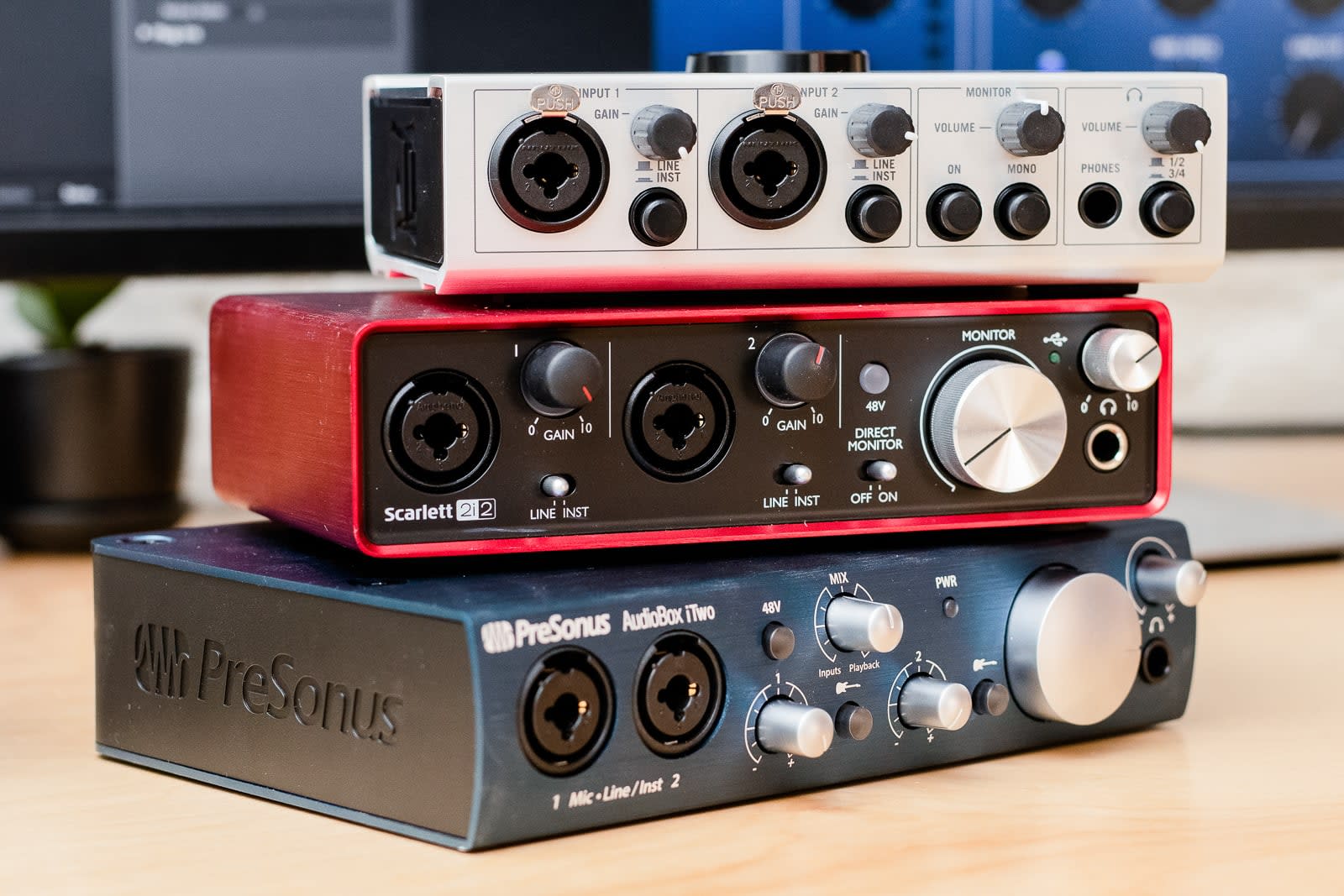
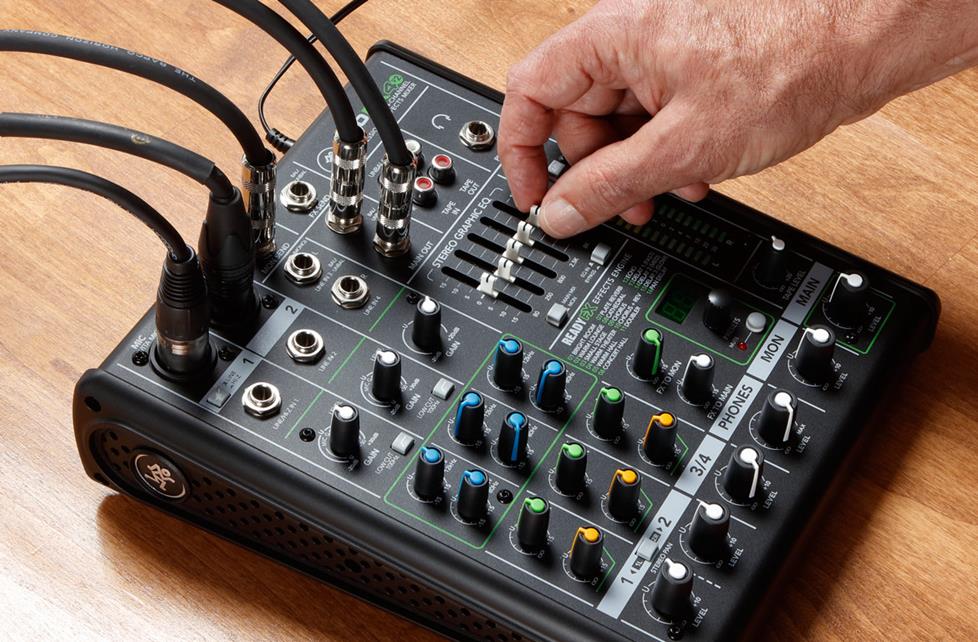
If you really don’t want software or someone to know you’re muted, you can input a constant stream of decoy background noise on another input on the same interface, so if you turn down your microphone, it would still “sound like” a microphone is active.