Download latest version, go to Security > Sign-in & Passcode > Manage Passkeys
For whatever reason this feature does not work on GOS with Google Play Services and installed through the Google Play Store.
And this feature is only availabe in the mobile app, via a Browser you can not set it up.
So at least for me, it is a pretty useless feature.
“There was an error while registering a passkey
Please Try again later”
This is the error.
I’m on the latest GOS on Pixel 8a, with the latest Google Play Store, Google Play Services and the latest Revolut app.
I try to register the Passkey inside a Yubikey (connected through USB – USB is not blocked) or a local passkey saved on the smartphone.
Revolut as well as GPS is installed in a Private Space/Private Profile.
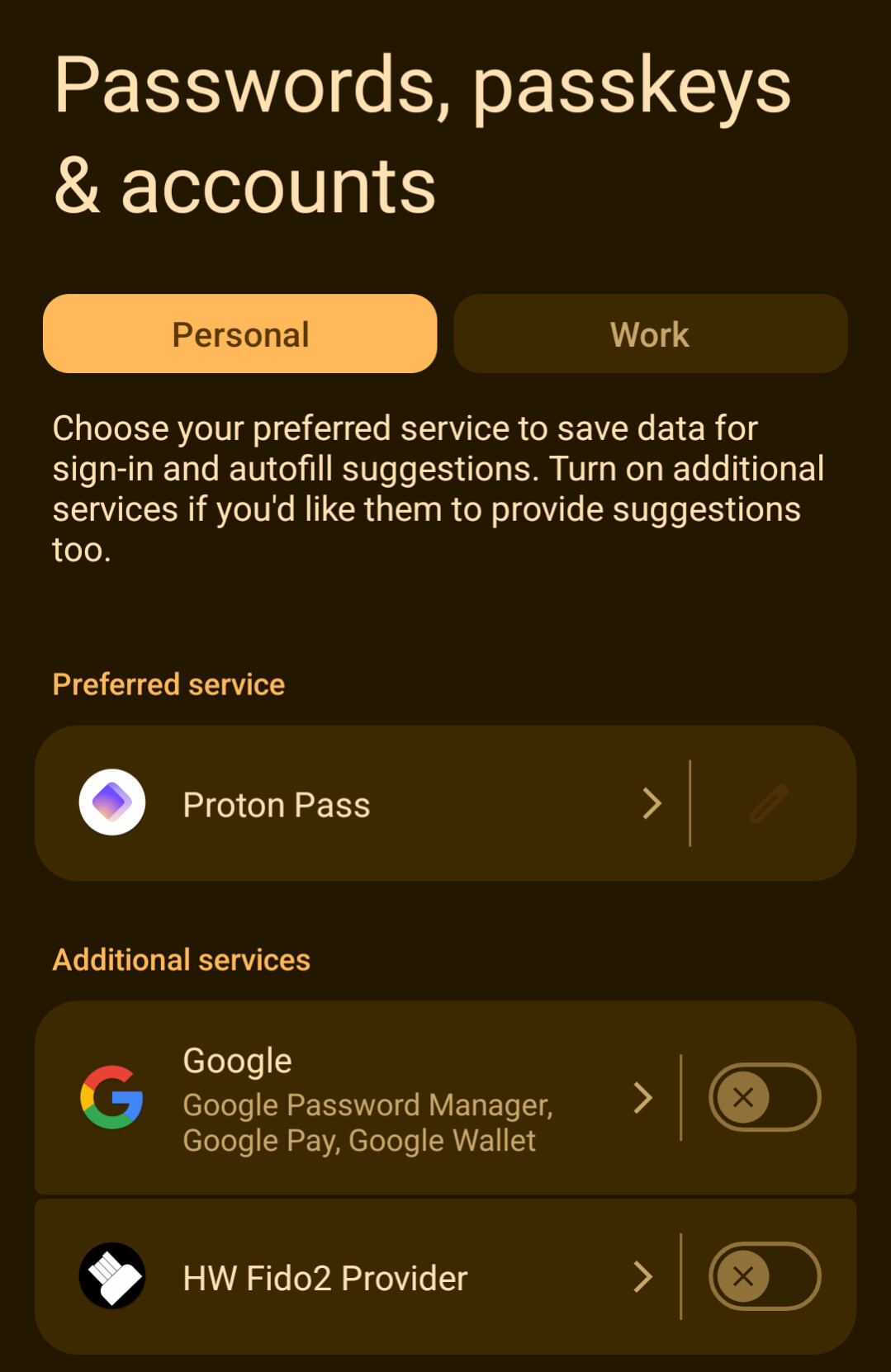
I just added the Bitwarden App in the private space and logged in with FIDO2 (through the HW Fido2 Provider).
With Bitwarden I can add a Passkey.
This behavior is really weird and lets me wonder if revolt blocks HW Fido2 Provider, since in the technical aspect both are doing the same.
And HW Fido2 Provider also works in the private space.
No …
I get in Bitwarden the error:
“Passkeys are not supported for this app”.
No they probably just configured to only allow Synced Passkeys and not Device Bound. Which is understandable as they might be afraid that people loose the ones people store on their phone only. I believe it would be technically possible to block a provider specifically with the AAGUID, but not this app as that would only relay it.
No they probably just configured to only allow Synced Passkeys and not Device Bound.
As far as I know it is not possible to distinguish between synced and local only passkey.
It is only possible to distinguish software based passkey (proton pass, bitwarden, google) and hardware based passkey (Yubikey, NitroKey).
Which is understandable as they might be afraid that people loose the ones people store on their phone only.
As far as I understand it even without the passkey you can log in with passcode + SMS MFA.
The Passkey is just the default option to make login more smoothly instead of actually more secure.
(While I think this approach is still more secure than just no passkey, it is still not as secure as only passkey)
I believe it would be technically possible to block a provider specifically with the AAGUID, but not this app as that would only relay it.
It might be that they have a whitelist with GUID of providers which are allowed, so no blacklist rather than a whitelist.
Bitwarden the same exact error came also with WhatsApp but Bitwarden fixed it.
According to forum post this is related to an issue between WhatsApp and Bitwarden itself.