It has no internet connection.
1- Can I allow content sharing (casting for instance)? Would it even work without giving access to the internet to the TV?
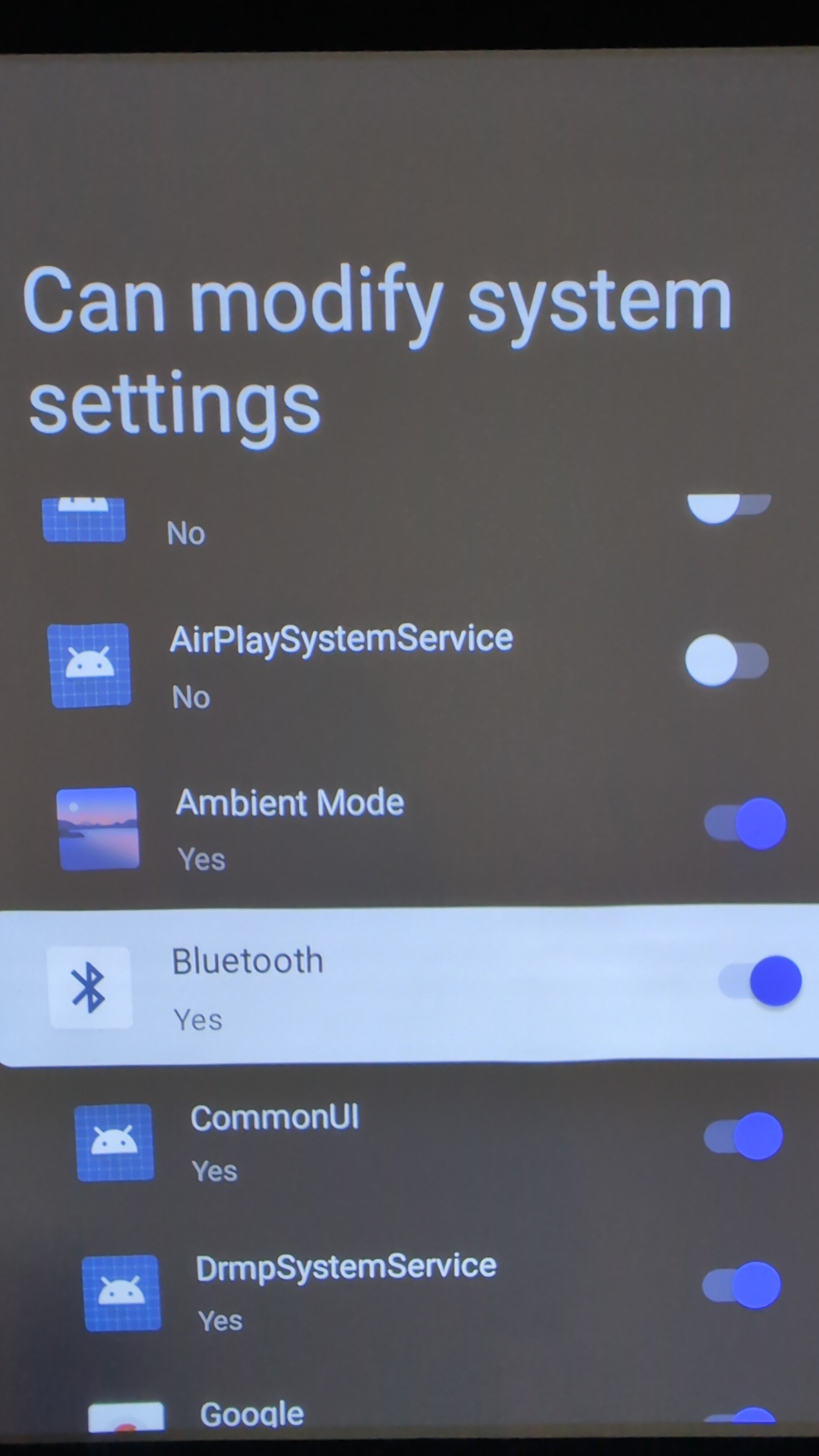
2- Does it matter which apps allow to modify system setting? There’s a huge list, here’s a snippet:
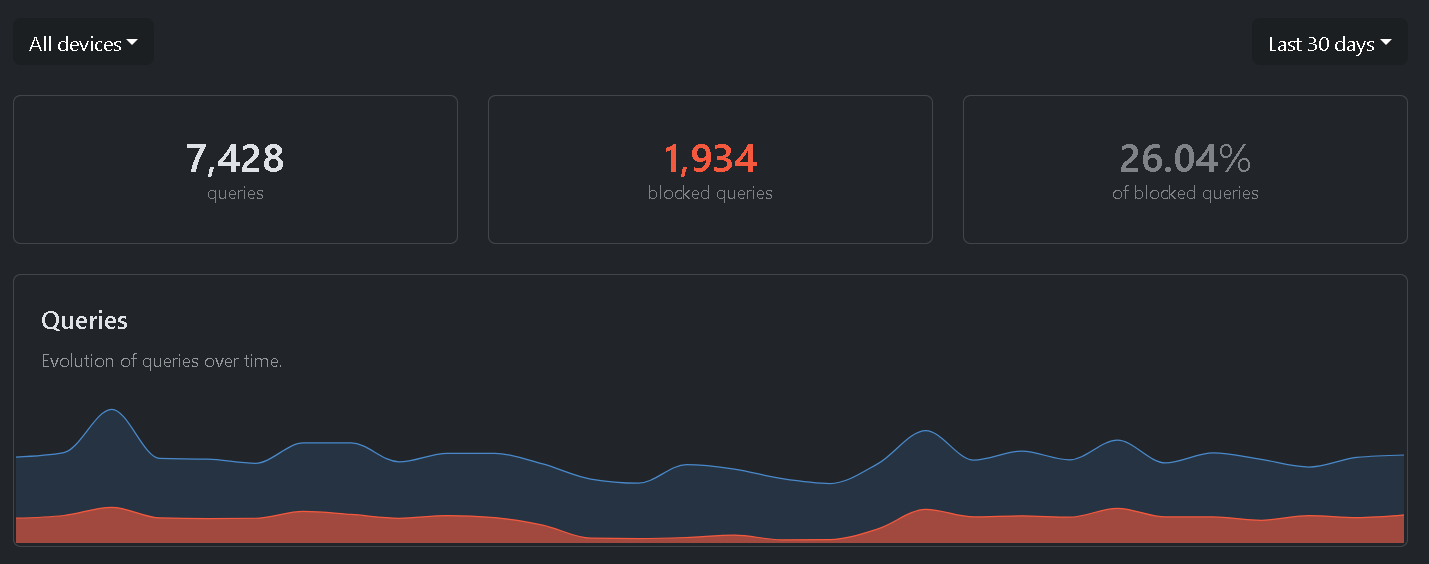
I don’t think it’s possible to share it unless you’re on the same network. Personally, I pushed NextDNS via ADB, along with hagezi ultimate and peerflyst’s smart tv blocklists. You can get a pretty decent result that way.
ELI5?
Is that for question #2 ? I’m not sure how blocklist relates to the question?
Thanks for clarification
That wasn’t the question. You’re just blocking traffic and making the device ‘stupid’
I was bored and started getting annoyed that the Private DNS setting is hidden on Android TV..
Settings - About - Tap on the build number. This will open the developer options.
Turn on debugging.
adb connect TV_IP - Approve the connection on the TV.
adb shell settings put global private_dns_mode hostname
adb shell settings put global private_dns_specifier xxxxxx(.doh3).dns.nextdns.io
Done. Based on my first impression, it filters much more than the router’s DNS IP. Then just add Perflyst’s S…
Ah okok, I prefer not connecting the device to the internet at all and connect something else where it’s easier to have more control on it like a PC.
So #1 is answered, #2 still remains.
kissu
February 3, 2026, 10:01pm
6
I’d disable all but you will never have a guarantee that the thing won’t turn back on after an update or alike.
It won’t break anything if I disable all?
Would be nice if we could flash a custom os on them.
kissu
February 4, 2026, 5:26am
9
Not like it needs constant updates anyway but there is only one way to find out.
kissu
February 4, 2026, 6:39pm
10
Would probably be under-performing with something different from the official ROM.