I was bored and started getting annoyed that the Private DNS setting is hidden on Android TV..
- Settings - About - Tap on the build number. This will open the developer options.
- Turn on debugging.
- adb connect TV_IP - Approve the connection on the TV.
- adb shell settings put global private_dns_mode hostname
adb shell settings put global private_dns_specifier xxxxxx(.doh3).dns.nextdns.io
Done. Based on my first impression, it filters much more than the router’s DNS IP. Then just add Perflyst’s Smart TV and HaGeZ’s Pro++ lists, and the traffic is at a reasonable level.
edit. I also found one Android box that is not being used, but at least on that one, I couldn’t turn on debugging.
edit2. The TV doesn’t really connect to much anymore. I just need the TV for Chromecast to watch videos sometimes, which is why the cable is plugged in.
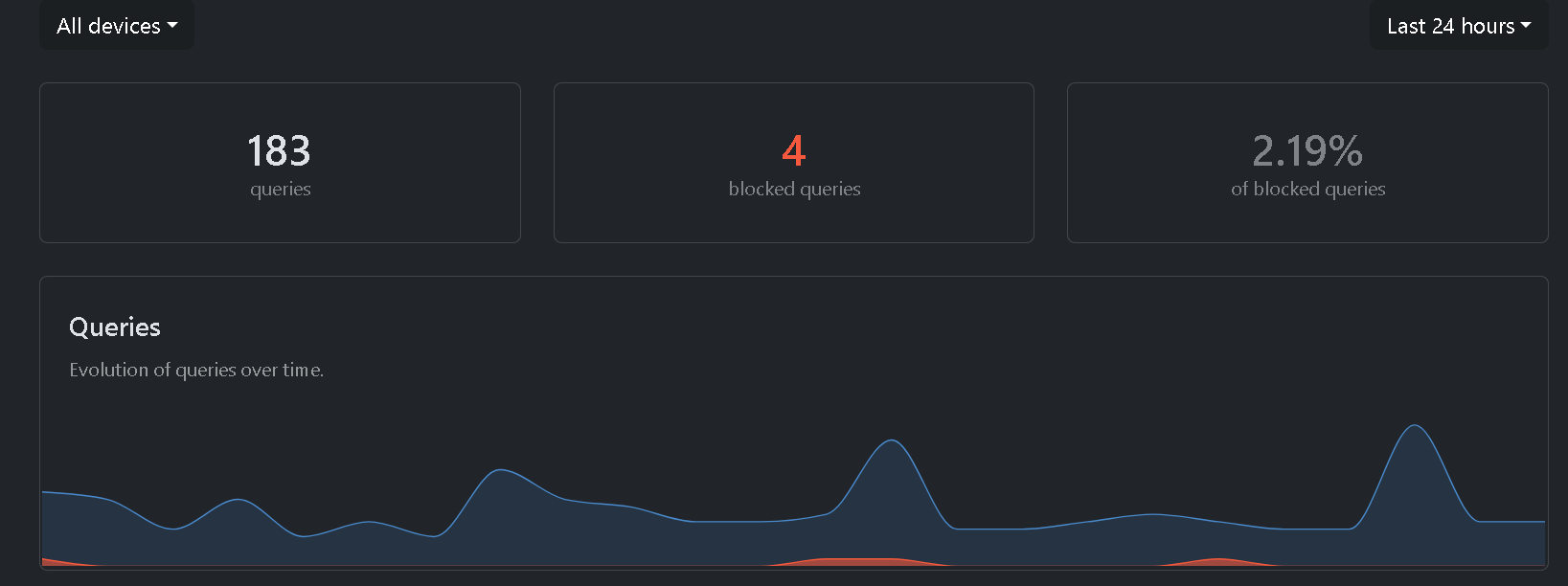
edit3. It stays active even when the VPN is on!