Yeap, that is why we even consider Nvidia Shield or Apple TV boxes.
Those are the current “least” harmful options that I’m aware.
Very sour pill to swallow.
Yeap, that is why we even consider Nvidia Shield or Apple TV boxes.
Those are the current “least” harmful options that I’m aware.
Very sour pill to swallow.
I think that this kind of box could help with DRM?
Haven’t tried myself tho.
You can either do what others have said and go with the shield or apple tv or something else, or another possibly is to just buy something you know won’t be private but which you only use for streaming services, like a cheap android TV device, and isolate it as much as you can by putting it on the guest wifi network for example. Or you can just accept the lower resolutions and play media in a browser
Thanks for all the replies! I’ll probably get the steam machine for Jellyfin & gaming. For DRM things, it will be an argument for my partner to stop paying for these 
I looked into this a while ago, and unfortunately there’s no easy solution to the TV/streaming situation.
What you definitely shouldn’t do is connect a “smart” TV to the Internet. These devices are notorious for exfiltrating large amounts of data, and many models include microphones and cameras. Because the firmware is proprietary, there’s no real way to know when they’re listening or recording.
From a freedom-respecting perspective, the best option is to run Linux on a mini PC. This has been my setup for a while. I use the GNOME desktop (with scaling) and an air-mouse remote. A standard Linux distribution offers the most flexibility—especially if you want to stream content from the high seas using an ordinary browser. One of the most promising projects here is KDE Bigscreen, which has recently been revived. It provides a “real” 10-foot TV interface for Linux and could available again soon. It could turn into a definitive solution.
There are also various distributions built around KODI. The problem is that KODI is primarily designed for local media. While it does support some streaming integrations, they tend to break frequently or come with significant limitations. For example, the YouTube add-on requires an API key, which prevents anonymous streaming. Running VacuumTube on a regular Linux distro is a dramatically better experience.
You also have Android TV boxes, but the models with unlockable bootloaders—where you could replace the stock, spyware-ridden OS with LineageOS—seem to have largely disappeared.
There are other options like Raspberry Pi or Banana Pi boards, but they often end up being more expensive than mini PCs, and there are numerous reports of them struggling to output 4K at consistent frame rates. In my view, 60 Hz is the minimum acceptable, and many of these boards simply can’t deliver that reliably.
The Bpi M7 can decode up to 8K@60fps. 
But plenty of other ones are also available at a more affordable prices.
Raspberry Pis in comparison are not too powerful unfortunately yes. 
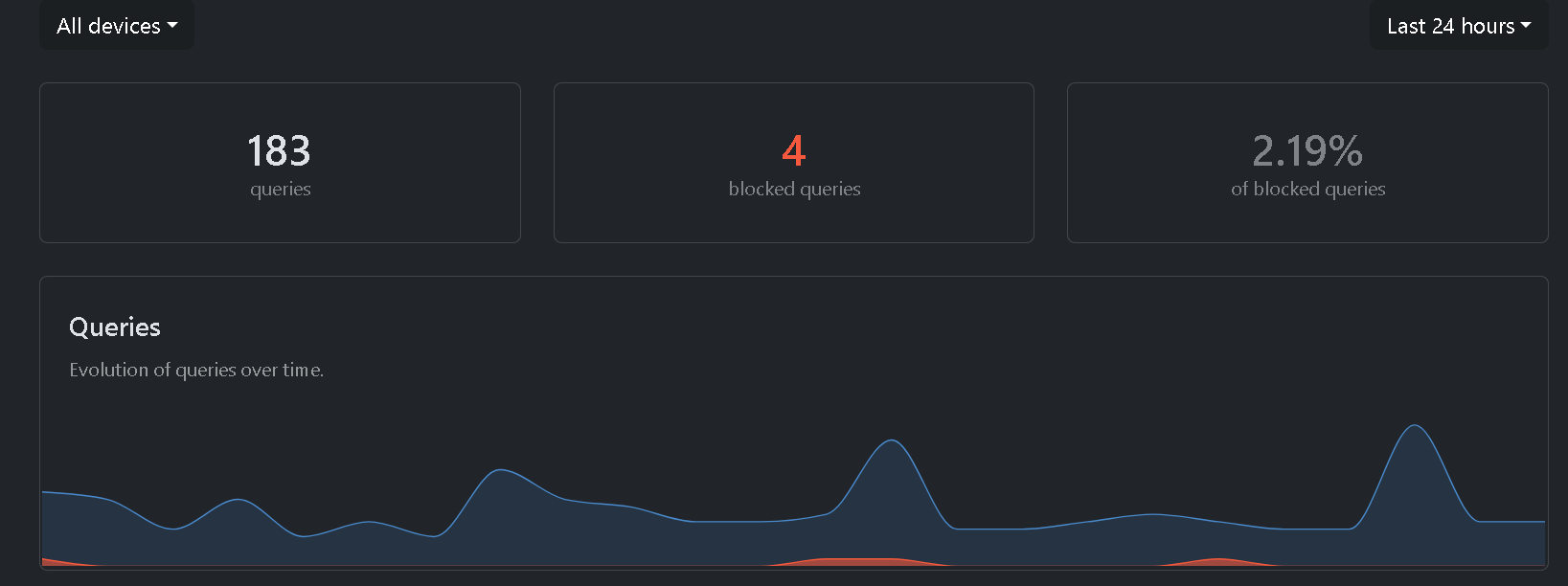
I was bored and started getting annoyed that the Private DNS setting is hidden on Android TV..
Done. Based on my first impression, it filters much more than the router’s DNS IP. Then just add Perflyst’s Smart TV and HaGeZ’s Pro++ lists, and the traffic is at a reasonable level.
edit. I also found one Android box that is not being used, but at least on that one, I couldn’t turn on debugging.
edit2. The TV doesn’t really connect to much anymore. I just need the TV for Chromecast to watch videos sometimes, which is why the cable is plugged in.
edit3. It stays active even when the VPN is on!
nope you can get cheap but not china malicious Android TV top boxes or sticks like
(but unfortunately there are no longer android tv that walmart is selling so you have to figure out your alternative)
from there you can do things like change the dns to a content filtering one for example NextDNS (not private dns but you could try with wireless adb debugging).
but it is limited to something like play store for apps so what id do is id temporarily sign in to a google account, get something like cx file explorer, localsend & the app of your choice (eg. Stremio), when you’re done, remove the google account, done, any prior apps you can sideload using localsend and file explorer
What about banana pi with lineageOS and F-droid?
yah thats also cool, maybe even nvidia shield so yeah
but on f-droid youre not getting apps like stremio or kodi whatever so, I would say aurora but its not available for android tv, I would just sideload things I would watch
edit: bruh: Info about dopinder | LineageOS Wiki
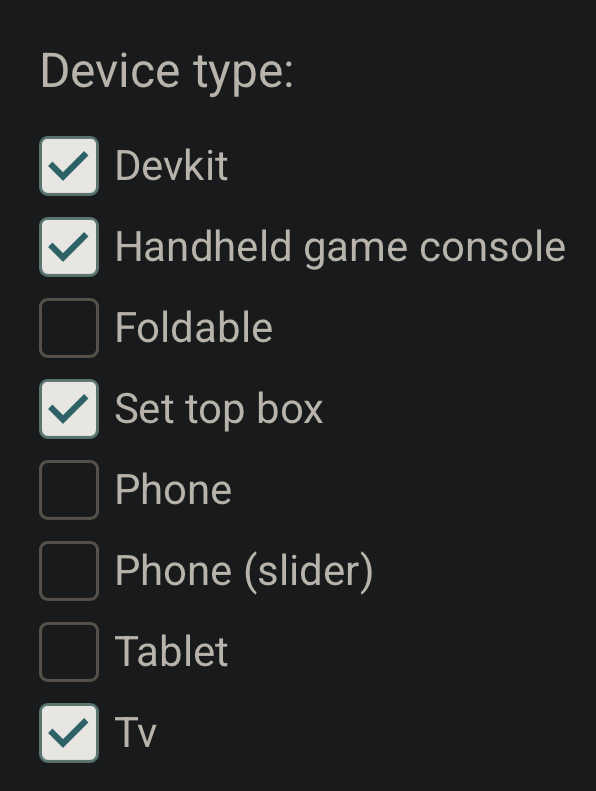
but yeah anything with these filters below will do on
I don’t know if it is any good but kodi is available.
kodi is good
uh hun but im kinda thinking for more into mainstream like netflix and stuff, not just the open source needing to have the content owned at hand or something, stremio is also not on F-Droid so point proven
also point proven, F-droid does not have suppot for Android TV, at least interface wise, so regardless of stock android tv or lineageos android tv, my point stands, unless you can install apps on Lineage by installing their apk, which is where I would install cx file explorer and localsend then next time gather apps from my phone and send them to the tv via localsend and install through the file explorer.
edit: there is a TV UI Optimized one for f-droid called flicky GitHub - mlm-games/flicky: Yet Another FDroid Client (wide screen / TV friendly) , but point stands for apps that are not on fdroid nor on a repo
Honorable mention: GitHub - Generator/Awesome-Android-TV-FOSS-Apps: A curated list of FOSS Android TV apps
You are talking to someone who doesn’t know what Android TV is or why anyone would want it. The OP didn’t say anything about Netflix and I’m not sure when this became a debate.
My solution would be a RasPi or old PC. If it can’t do proprietary services then I can live without.
Just because they didn’t say doesn’t mean we can exactly assume they won’t unless they explicitly specify
nonetheless if its a tv that just runs in Google TV, the golden rule and harm reduction on community wiki stands. (Harm Reducing/Replacing your Smart TV)
well if you’re gonna plug yours im plugging mine
Got it. Plasma Bigscreen does look promising . Thanks for the rec.
I second this, but keep it mind that the “new” Bigscreen hasn’t been released yet. At the moment you are looking at building it from source and manually integrating it into the system (tricky and not well documented).
My current TV setup is a mini-PC with GNOME (200% scaling) and an airmouse remote with built-in keyboard (Pepperjobs). Works very well and does not struggle with high bitrate 4K content unlike most underpowered ARM boxes out there. Since this is a real Linux box, it can be used to play Steam games with an Xbox controller too (within limits of the hardware or via SteamLink). I will probably migrate to Bigscreen when it is comes out.
My 2 cents: I like the FireStick a lot, I just don’t like the fact that it’s officially required to login to Amazon each time on startup. Fortunately, it’s possible to run LineageOS on it: Alec's Journal - Lineage on a Fire TV stick. I’m still struggling to short the correct pin, but one day I’ll get it done  .
.