Does anyone know how to set messages to autodestruct every 5 minutes or so for both ends of the conversation within the desktop software?
There’s 2 settings about autodestruction features. Whatever this does:
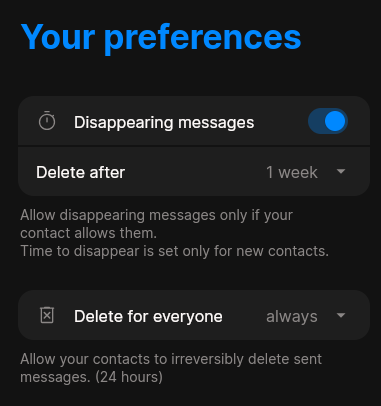
These are the available options:
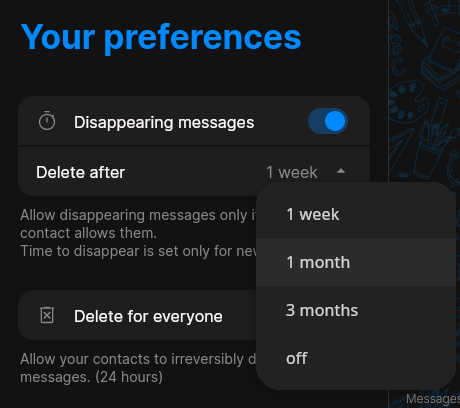
What does this setting do?
In “Delete for everyone”, I have set to always, not sure exactly what this is doing.
Then if you click on the person’s name that you are talking with on the lower bar, a right side panel shows up with this:
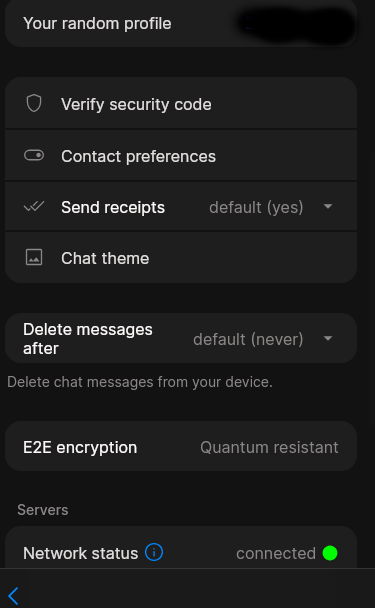
Here once again, “Delete messages after”. Not sure why it’s “default (never)”. Didn’t I set it to 1-week in the “Chat preferences”? Then again, im not even sure if we are talking about the same thing here, or for “Disappearing messages” since it’s next to it.
But there’s more: If you click on “Contact preferences” you see once again, “Disappearing messages”, and “Delete for everyone”:
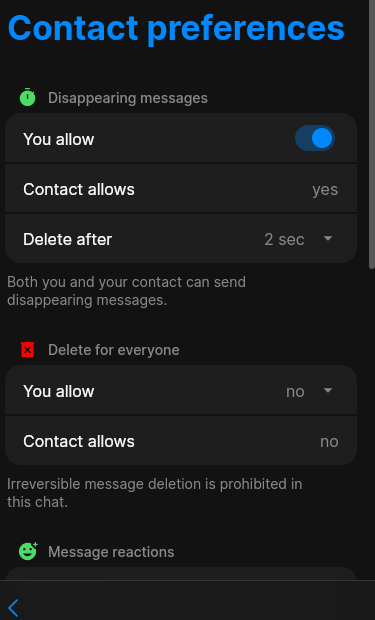
Here I was able to set up any amount of time I wanted:
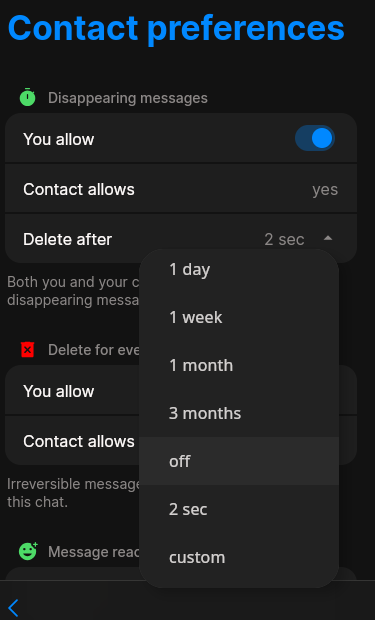
So I set 2 seconds, and clicked below in “Save and notify contact”. Then I tested to see if it worked:
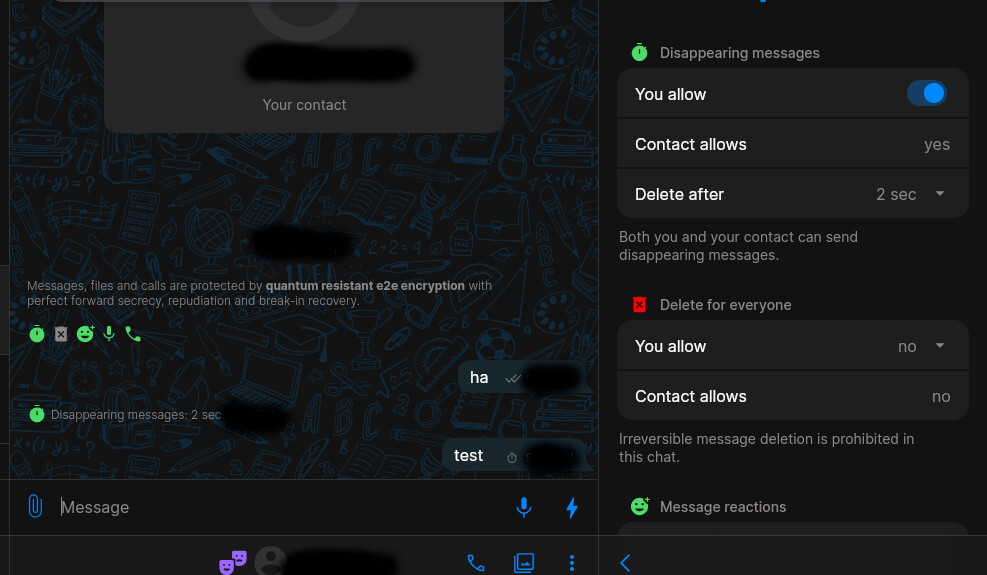
And it seems messages are actually disappearing:
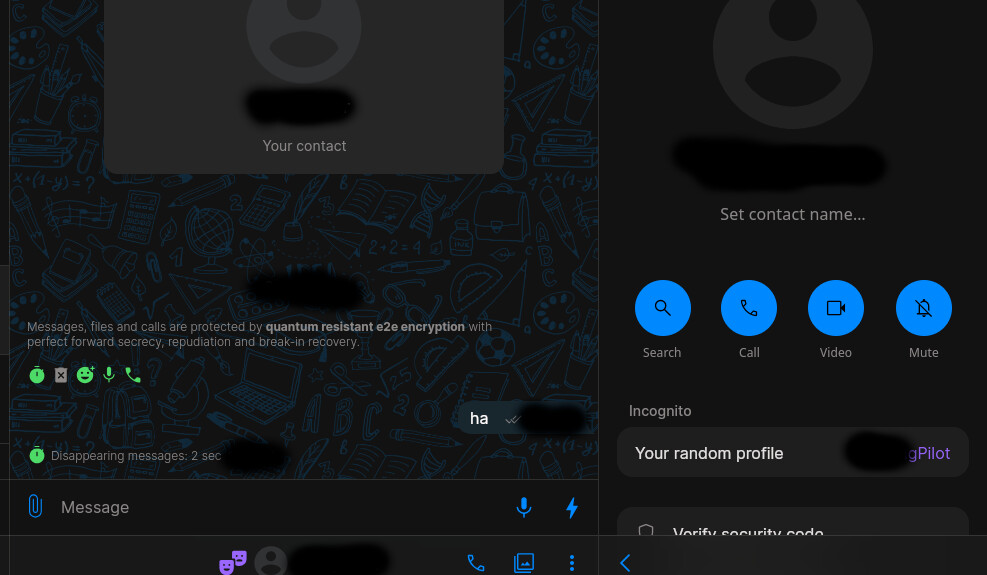
So, are those messages permanently deleted or not? Is this working properly?
Reason im asking this is, the way it’s set up, it’s so convoluted. So many of these settings are all over the place, and feel like you are setting up something somewhere that may overwrite something else, or you are not sure if the messages are permanently deleted or not. Like “Delete for everyone”, I thought that needed to be enabled, otherwise messages would only be deleted on your end or something. Is this option only for manually deleting messages?
Im making a thread about this because the other thread I did got sort of derailed in another interesting discussion about the software, and this is really important to know if you are doing things properly. If messages are permanently deleted this way, I guess I can ignore the other settings and what’s important are whatever you put on the right side panel. But anyway, I think this could be improved because it’s rather confusing.