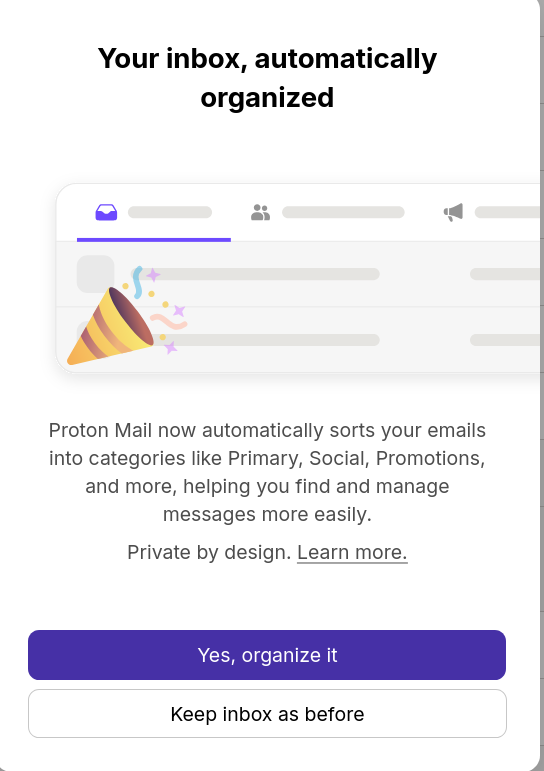
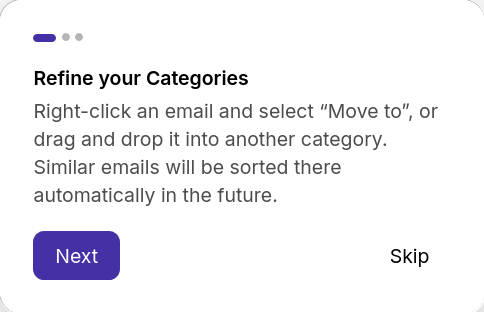
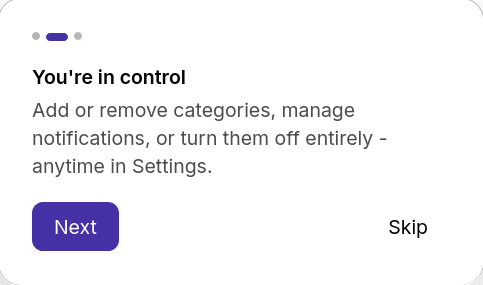
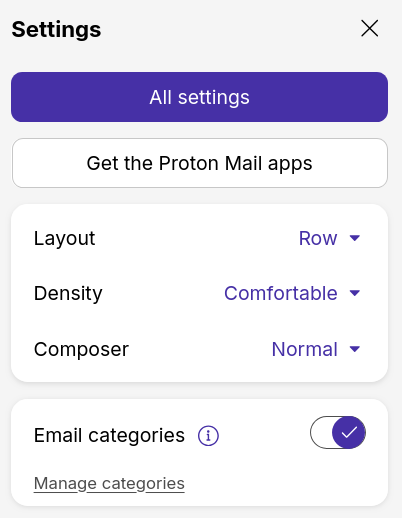
Screenshots speak for themselves, if you want to change an email category, just drag and drop it to the correct categories. Note this is the different from the old filters, which had to be set-up manually. It is an extension of the “Newsletters” features that arrived a couple months ago. The biggest disadvantage of Proton compared to Gmail has disappeared. Though I still have quite a few news items in my main inbox, so it still has some way to go.


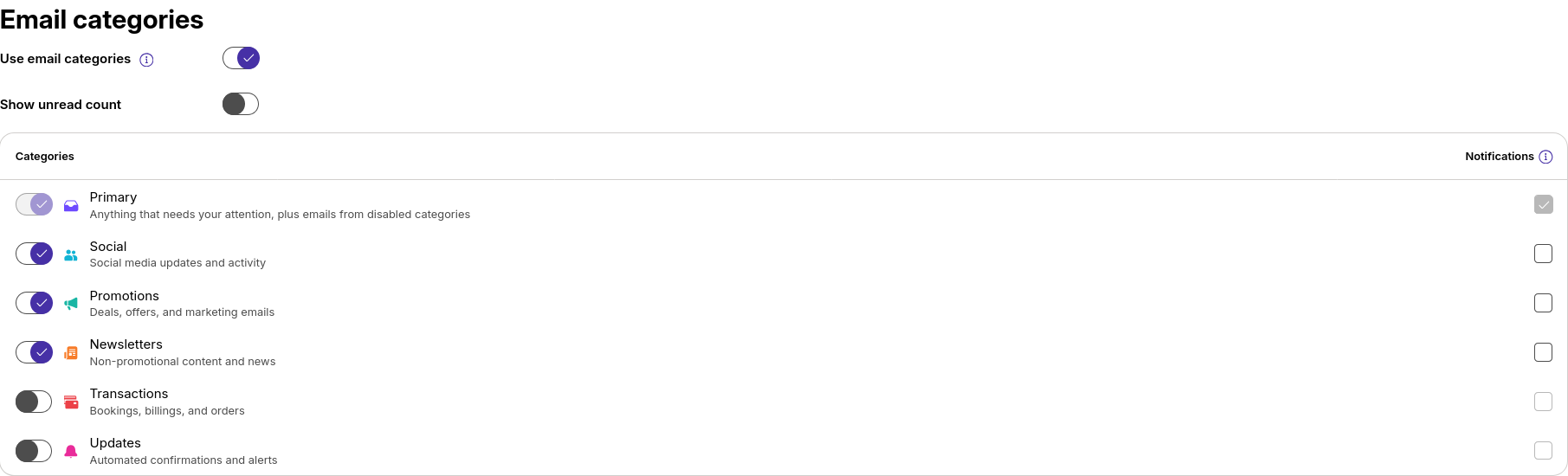
Oh damn i missed they have more. Good to know
1 Like
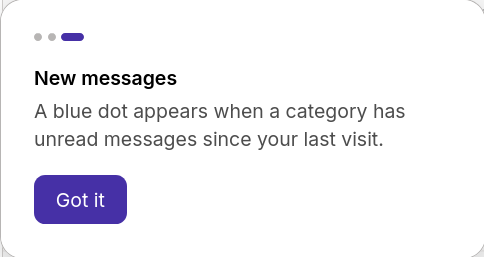
Blue dots are annoying and can’t be removed. uBO filter to hide them.
##span[class=“tab-new-dot color-blue-500”]
1 Like
But how they are doing it?
Subjects are not encrypted so from there?
It looks like there’s an answer to that question on Reddit.
Email categorisation never reads your email contents. It looks at the information that’s already available for email filters: the sender’s address, the subject line, and the details in the headers. Your zero‑access encryption is unchanged, and the model has no access to what’s inside your emails. Nothing about how your mail is encrypted or protected has been altered to make this work.
How we decide where an email lands, in order:
- Your contacts. If the sender is in your contacts, or someone you’ve already exchanged mail with, it goes to Primary.
- Your recategorisations. Every time you drag an email into a different category, the model learns your personal preferences. After a handful of moves, it starts placing things where you like them. This works by understanding the difference between where the model placed the email and where you moved it to.
- Senders we recognise. Some senders are unambiguous on their own: a booking site, a social platform, a known newsletter provider.
- Subject keywords. Similar to senders, there are known keywords in an email’s subject that are clear indicators of where an email should be placed. For example, “Ticket confirmation” will be placed in Transactions and “Weekly digest” will go to your Newsletters.
- A fallback. If none of the above clearly matches, a general classifier takes a look at that same metadata (sender + subject + headers) and picks the best‑fit category.
3 Likes
I played around with it and it doesn’t function the same as Gmail categories. I’m not just talking about the way it determines the category, which has already been discussed in this thread.
In Gmail, the categories function as built-in labels. Meaning, in Gmail, it’s not just an incoming mail filter, but a total mailbox organizer. In Proton, if you archive an email or move it another folder that is not your inbox, it removes it from the category. Similarly, Proton won’t let you manually classify emails outside of your inbox into these categories.
For paid Proton users, utilizing their email aliasing and manual filters is a significantly more powerful workflow. I could potentially see this being useful for free Proton users though since they limit you to just a few folders and labels. But you’d be limited to keeping everything in your inbox.
The only other case I see for these Proton categories is if you are receiving a tremendous number of emails per day and want to limit but not eliminate notifications.
(I acknowledge that I have a bias against these curated automatic email classifiers. Gmail categories were the reason why I lost control of my email and what caused it to balloon in size. Categories made me think I didn’t need to manually sort/delete my emails. I think this was Google’s secret intention since they’re data hungry. Categories were also responsible for a lot of missed emails).
I despised this feature on Gmail and always disabled it whenever I created a new account back when I used Gmail. I wanted just one inbox and didn’t trust an algorithm to make that decision for me.
1 Like
I’m with Techlore on this one - I definitely won’t be using the feature, but happy it exists for the people that enjoy it.
Well done Proton.
That’s actually disappointing! I had hoped it would be a small local (on-device) classifier AI that would use the e-mail content for ambiguous e-mails.
I personally really like it as I don’t receive notifications for those e-mail. But now they need to integrate filters that had folders into this. Like I want to be able to filter the news by senders I consider the most crucial, and the rest of newsletters that are less important.