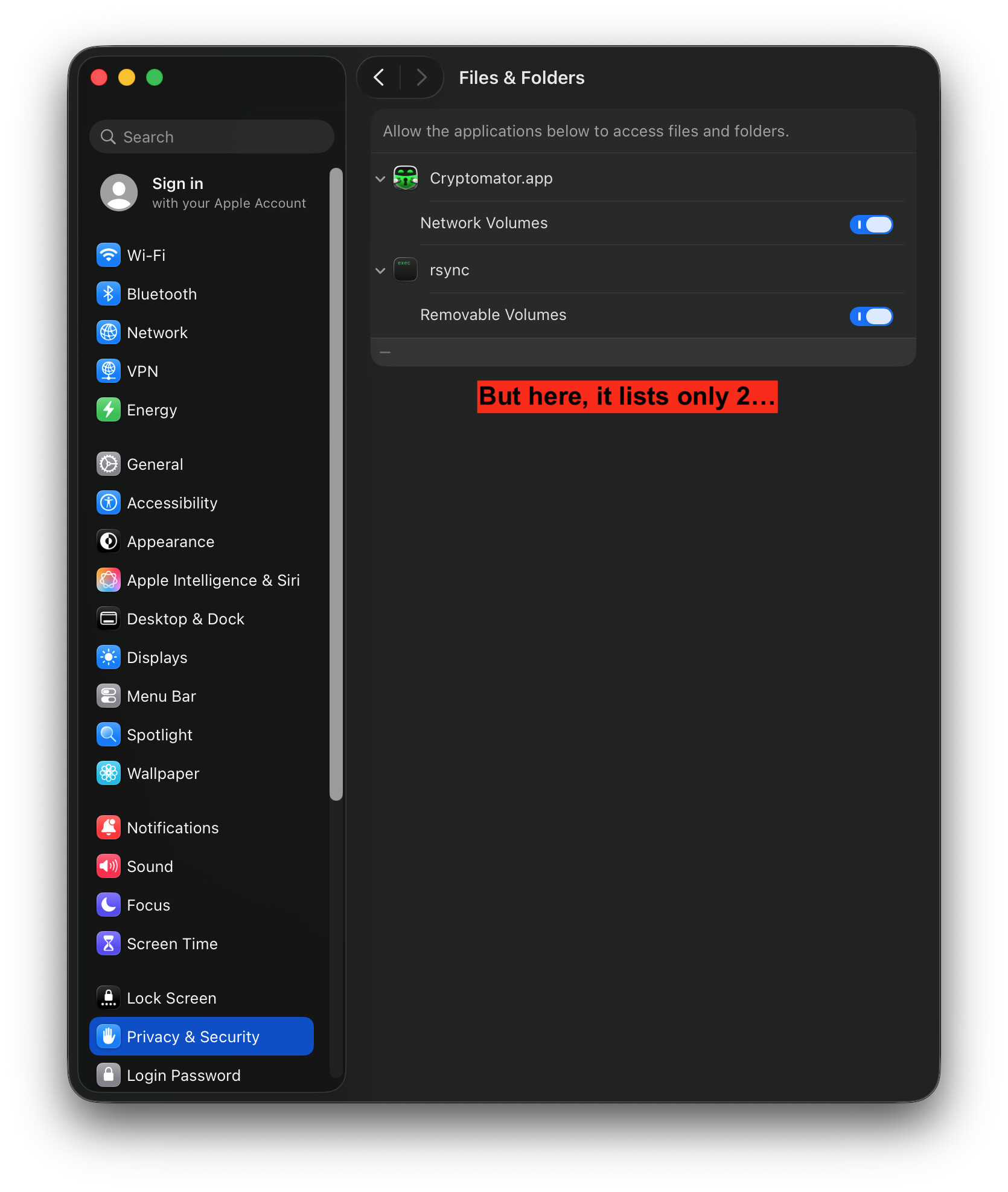
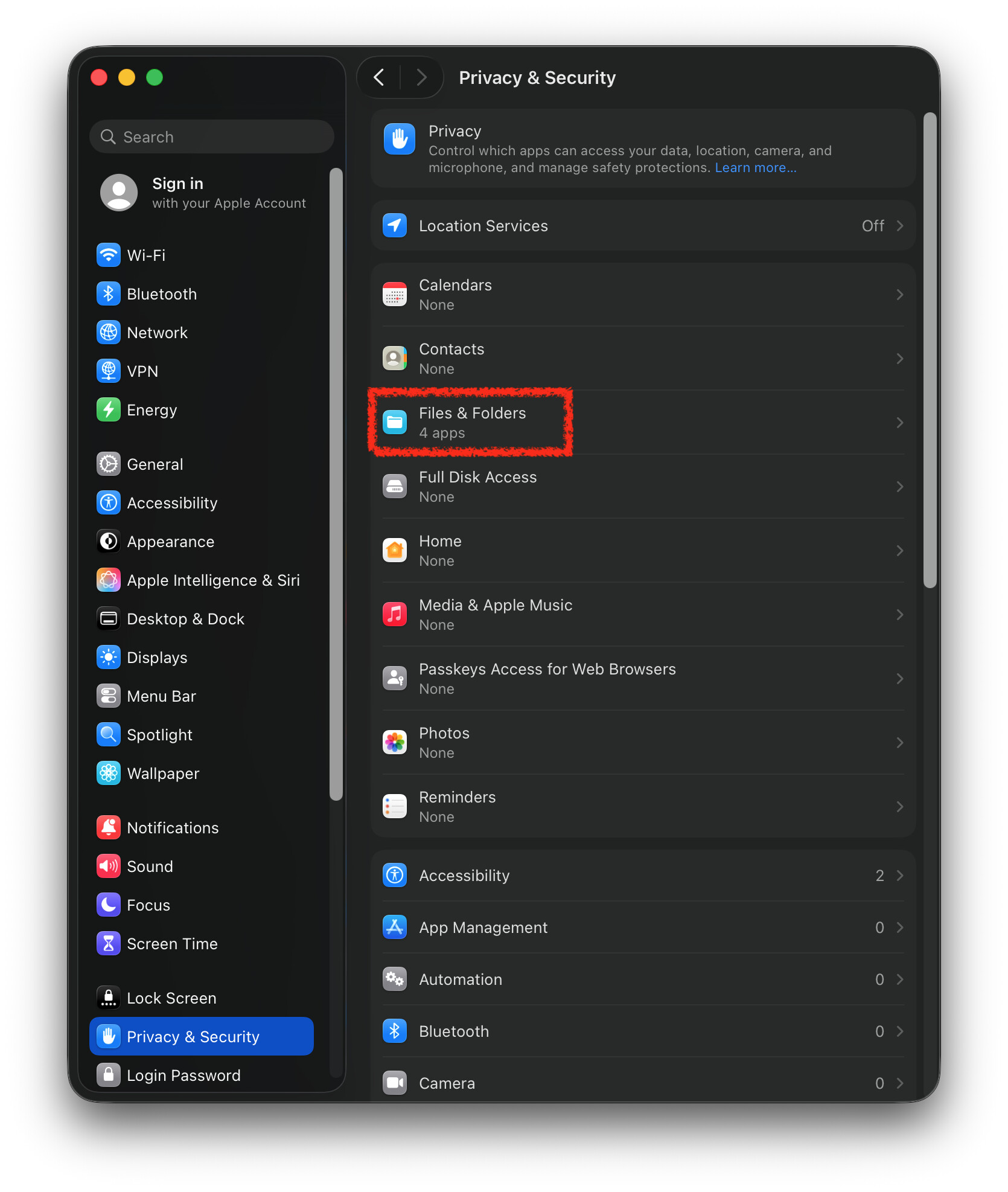
Can anyone explain what is happening here? Is this normal? What should be my next steps?
I remember that the number on the outer-settings pages used to match up with the total number of apps/binaries that I have explicitly given permission to specific folder (although I think last time I checked it was for previous macOS version).
This is normal behavior — the count reflects all access requests, not just top-level apps. The badge shows 4 because macOS counts each permission entry, including sub-items like Network Volumes and Removable Volumes, even though only 2 main apps are visible.
I read a few explanations online, but couldn’t really understand them. Finally, ended up resetting all permissions using the tccutil reset All command. I had to reconfigure all permissions after that, but I guess it was worth for the peace of mind  …
…