I am actually using brave browser with duckduckgo as my main search engine on my iphone and ipad, but I recently got to know about startpage. The fact of it being EU based and privacy oriented caught my attention, yet I am not really sure about it being the best option to choose. I know, in fact, it is impossible to identify a “best browser + search engine” which suits everyone, because every of us gives different priority to different aspects, but I still wanted to ask a good combination of the two, which is privacy respecting enough for a “I’ve been into privacy for some months now” guy. Thank you!!
I simply use Safari + uBO with Kagi search. I pay for it. I like it and will be renewing it later this year.
But Duck is likely better for a no nonsense and free solution. So those are my suggestions.
Brave browser and Brave search seem like a great combo on iOS.
I’ve been using DuckDuckGo for some time and I’m pretty happy with it, it provides good search results and haven’t had the need to pull up Google for anything lately.
I also used Brave Search in the past and no complains either. The image search was horrible tho lol
I understand wanting something thats EU based, but in this case I don’t think it matters too much because these privacy oriented search engines already anonymize your data.
Also, startpage uses Googles indexing.
I’ve tried many browsers on iOS but in my experience the only ones worth using for now are Safari + wBlock (best AdBlocker, also Open Source) and Brave.
I’ve recently been testing a few browsers:
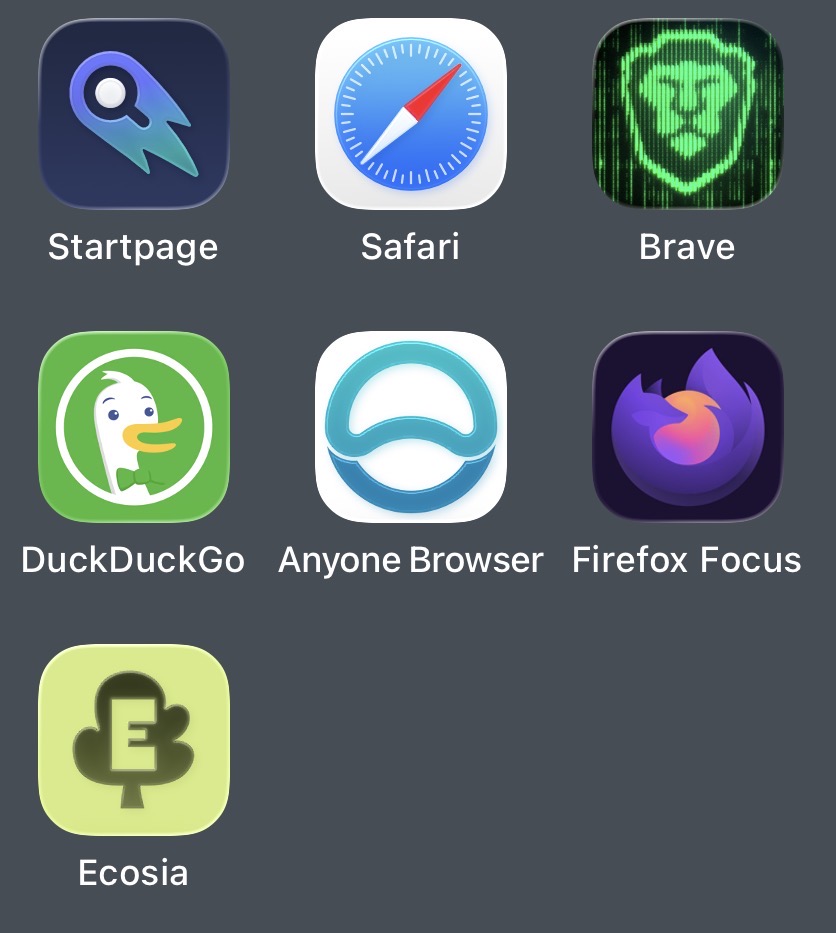
For many years I was using DDG and Brave. Brave can get a little clunky at times. What I was surprised with was Safari is one of the better ones for fingerprinting prevention. It’s also easily customisable with extensions. The issue I have with Safari is how many clicks you have to go through. And how many tabs are open at any one time. I liked DDG for the relatively quick data clearing.
DDG search engine does the trick. For me, anyway.
Psylo is quite good as well. You can set it up for specific websites and also as your default browser with an ephemeral silo each time a link opens from another app. You can also create a Mullvad SOCKS silo for general browsing, great if you always have Mullvad VPN on anyway. This is my setup with Brave as my main (although not default) browser and Psylo for specific sites or purposes.
I move back and forth between Safari + DDG and Quiche Browser + Brave Search. I typically use Quiche for daily browsing and I use Safari profiles for more specific instances that require logging in to websites or services.
Highly underrated combo, this. It’s what I’ve settled on as well, after testing a bunch of browsers on my iPad.
Literally no other browser I’ve tried on iOS/iPadOS has a dedicated element zapper (not even Brave despite that feature being available on their Android and desktop builds) which, to me, is mandatory. The element zapper in wBlock is a bit more flexible compared to Safari’s native Hide Distracting Items feature, and its support for userscripts negates the need for other extensions I’d previously used for site redirection (eg: Reddit to Redlib) and whatnot. Safari does have its issues (like the inability to pull favicons for certain sites) but wrt browsers on iOS, beggars can’t be choosers.
As for search engine, I’ve settled on DDG with bangs (!s for Startpage). I tried Kagi for a month, but localised results were poor for my part of the world.
i still rate this browser, different, but good