Best media player for Android?

I am looking for a Android media player with the following features:

  • FOSS
  • Audio AND video playback
  • Playlist’s that can contain both audio and video files
  • Playback from standard storage (no import requirement)
  • Option to export/import all playlists and settings

VLC has everything you’re looking for. If you are using GrapheneOS you don’t need to give any permissions with storage scope besides notification.

6 Likes

I’ll also give my vote for VLC. It really is the best as far as audio/video compatibility and just being rock solid. I can’t comment as much on the playlist functionality because I haven’t used it.

There is mpv as well if you prefer something more minimal.

I don’t know if mpv on android can do playlist tho

1 Like

is there no official `mpv` port for Android?

Just Player is another alternative. It’s also available on Accrescent if you use GOS.

1 Like

Just Player doesn’t have the features he is looking for.

We do have it

Tho I prefer MpvKt, because last time I checked the UI from the official port is… Kinda ugly.

3 Likes

Oh yeah, it lacks the playlist option, never mind.

1 Like

I’ve been testing this fork of mpvKt and I’m really liking it.

For music, I use BoomingMusic because it is the closest and most up-to-date option to Retro Music Player.

Oooh yeah, that does look very pretty! But kinda questionable tho. I dont understand why it need access to all files instead of using Scoped Storage.

Well i can use it without giving permission just fine, but at that point might as well to just mpvKt

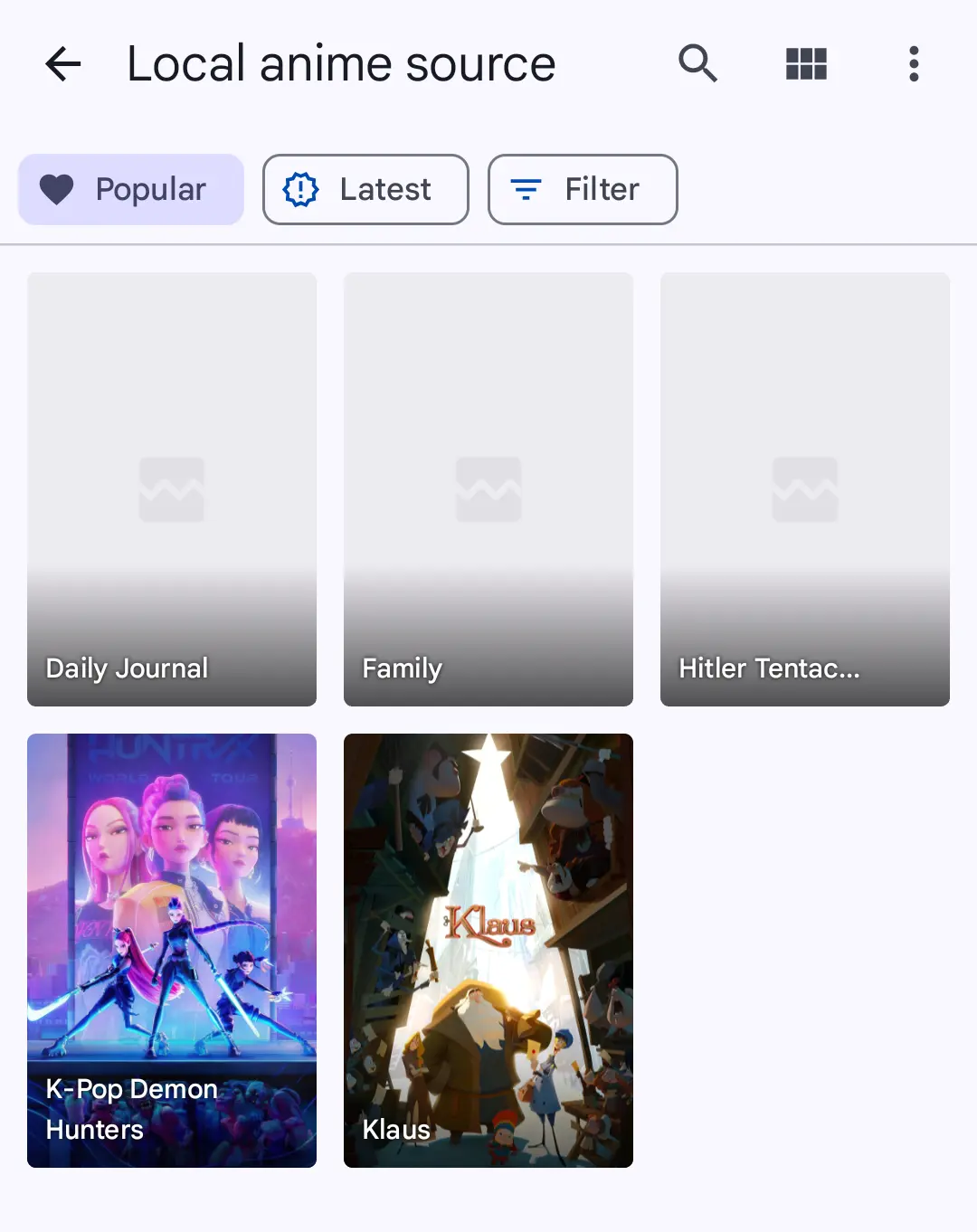
Which remind, its a bit unconventional but you can use Aniyomi for video.

Pro:

  • based on MPV
  • Nice UI
  • Scoped Storage, only can access apps specific folder.
  • Playlist (kinda)

Cons:

  • Scoped Storage, you need to move the video to Aniyomi folder
  • No audio support so this is not what OP want

I just set it up like this and that’s enough for me

While for audio, maybe its better to use dedicated music player like Auxio

  • Support playlist export and import
  • Minimal permission, iirc you can give it higher permission so it search every audio automatically (correct me if im wrong)
  • From my testing, only Poweramp and Auxio can properly support multiple artists tags in vorbis metadata. So from this, I assume Auxio probably the only “serious” audio player.
1 Like

I am using VLC for a while now and I agree that very good.

I Hope they ad an option to export playlist’s, or even beter directly save them in a normal directory so I can sync them automatically.

1 Like

mpv is way better than VLC on android.

I’m currently on Just Player, tried MPV and I’d say that it is slightly better but very close overall, not a huge leap ahead. Guess my needs are basic enough. :hugs:

+1 for VLC.

For audio only, I’ve been really digging Auxio.

Can I put music and video files intothe same playlist in Just Player?

I just tried and you can have a list of music + videos that you pick one after the other given a folder directory yes but it is not automatically playing the next one in queue.

This test was both for JustPlayer and MPVkit suggested above. They are only able to play 1 file at a time and since they are based on the same tool underneath, it doesn’t look like it’s a fitting tool for the job. :melting_face:


I guess you’re stuck with VLC then. :grinning_face_with_smiling_eyes:

This sounds like it’s very much out of the scope of VLC itself, which is a player not a playlist organizer. But there is maybe a tool around there that uses VLC underneath and has some export/playlist features.

Not sure it’s worth the middleman and liability of it tho.

I’m not sure about your use case if it’s to listen to music or maybe watch it on some computer but you could maybe convert all the files into the same output? Either
→ music
or → video (with blank image if input is music)?

I don’t think that palylists are out of the scope of a media player.
Its maybe not necessary if you only use it to play long videos but if you use it to play music, you really need playlists.