I’m using the Flint 2 from GL.iNet with vanilla OpenWrt. Works very well, but Flint 3 now exists.
Well, spent the last day checking out the OpenWRT One. There’s tons of firmware to load up and get additional settings or access to whatever you need. Installing add-ons requires a bit of command line but for me overall, I would probably stay with the already installed firmware that comes with the unit as a starting point. I still don’t know how many square feet the radios are capable of covering. I saw you can create VLANs which is good. I still would prefer wifi 7 with beefier hardware and that’s where the new OpenWRT2 comes in. I don’t think it’s out yet but will include wifi 7 along with a 5gb/10gb WAN ports and beefier hardware. I still would need a switch to directly connect 4-5 devices. I like how you can buy two of these and create a mesh network for coverage.
@ Securely0845 - Thanks for that info! Looks like I’ll end up getting the UDR7 after really diving into reviews, comments and ratings on router comparisons. I see you can actually skip creating a cloud account and remain local with access to all the settings without missing much of anything. Quality, size, features, reliable updates check all the boxes with me. I don’t mind the occasional hiccups, if any, since all routers experience a glitch from updates every once in a while.
I’ll probably also purchase the OpenWRT2 when available as something to tinker with experiment on since it’s so cheap around $89 (Cheap to me at least). It shouldn’t go to waste as I’ll probably set it up as an access point creating a mesh network. Or sell it to a friend or keep it as it could become useful in so many ways.
I’m using a Firewalla Gold Plus and loving it. My next move will be more DIY but this is something that is time consuming and easy to mess up if you rush it, so this was my in between. Also, I love their features and those give me inspiration for what I want and don’t want to for my own setup.
Router: NanoPi R4S using OpenWrt.
APs: ZyXEL NWA50AX Pro using OpenWrt.
Switch: HPE 1920-24G using OpenWrt.
You can’t go wrong the OpenWrt One, it’s far more robust and feature complete than comparably priced plastic boxes from Asus and the like. It’s also under YOUR control, and not backdoored like the Ubiquity stuff. A router shouldn’t phone home, period.
I use the following:
- This is my main Router/Firewall.
- 2x10gig and 2x 2.5gig ports.
- My main Desktop is plugged directly into it.
- Wireless Access Point, plugged into the FGP
- All of my IoT devices are connected to this on a separate VLAN(VLAN30) with rules that block them from accessing my devices on the Personal VLAN10 and VLAN20.
- 1 gigabit switch.
- Plugged into the FGP as well(VLAN20).
- My two homelab servers are plugged into this(VLAN20). Cannot access devices on VLAN10 or VLAN30.
You have the newer version of my setup…jealousville population: me
I did recently add a relatively cheap refurbed tplink TL-SG2428P 28-Port Gb Switch 24 being PoE+. This was to connect my basement floor to my second floor.
I highly recommend running larger conduit on the outside of your house and use junction boxes you can open to make upgrading cables easier.
That all said, it’s become super easy to do line drops in my house.
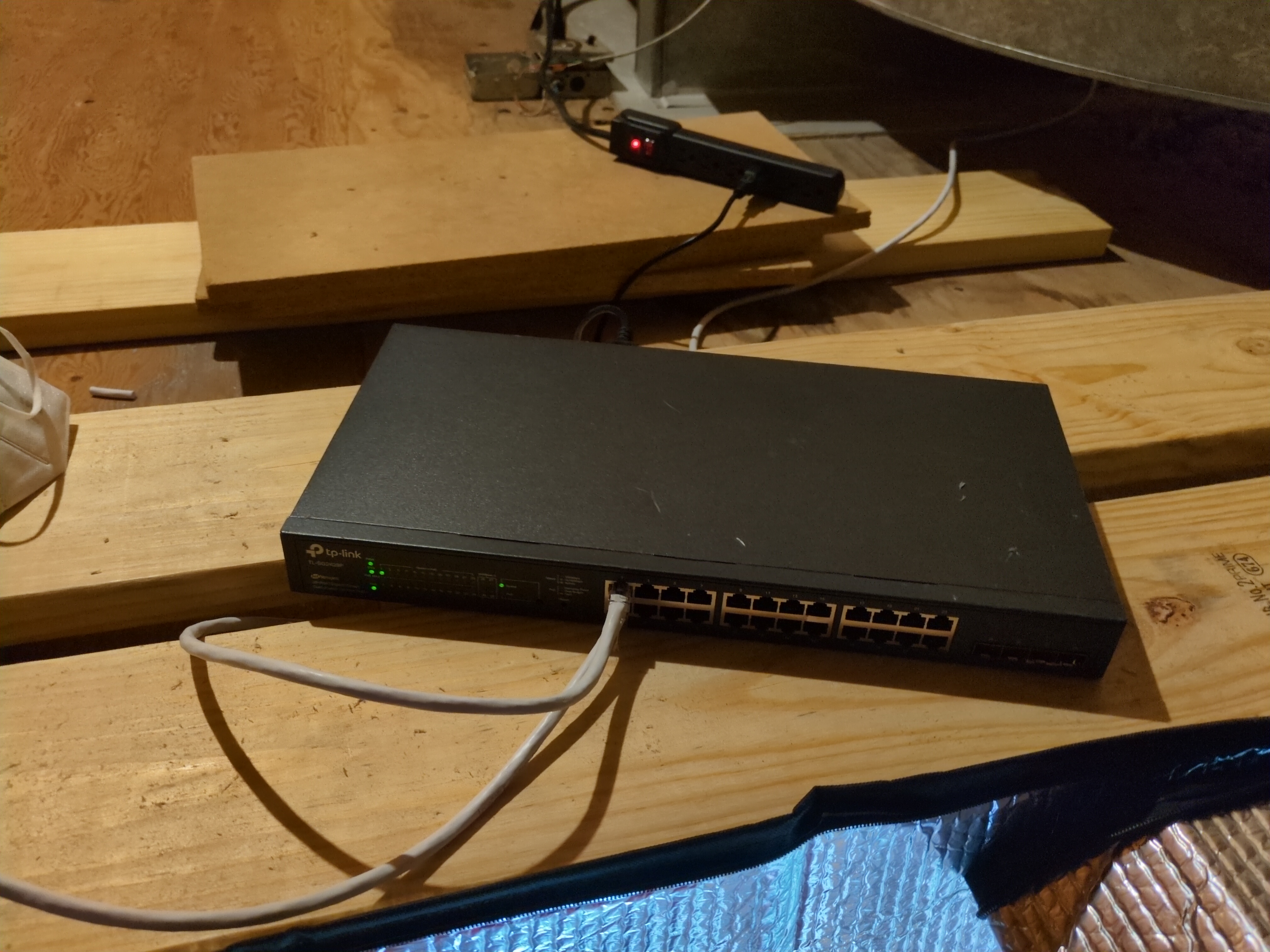
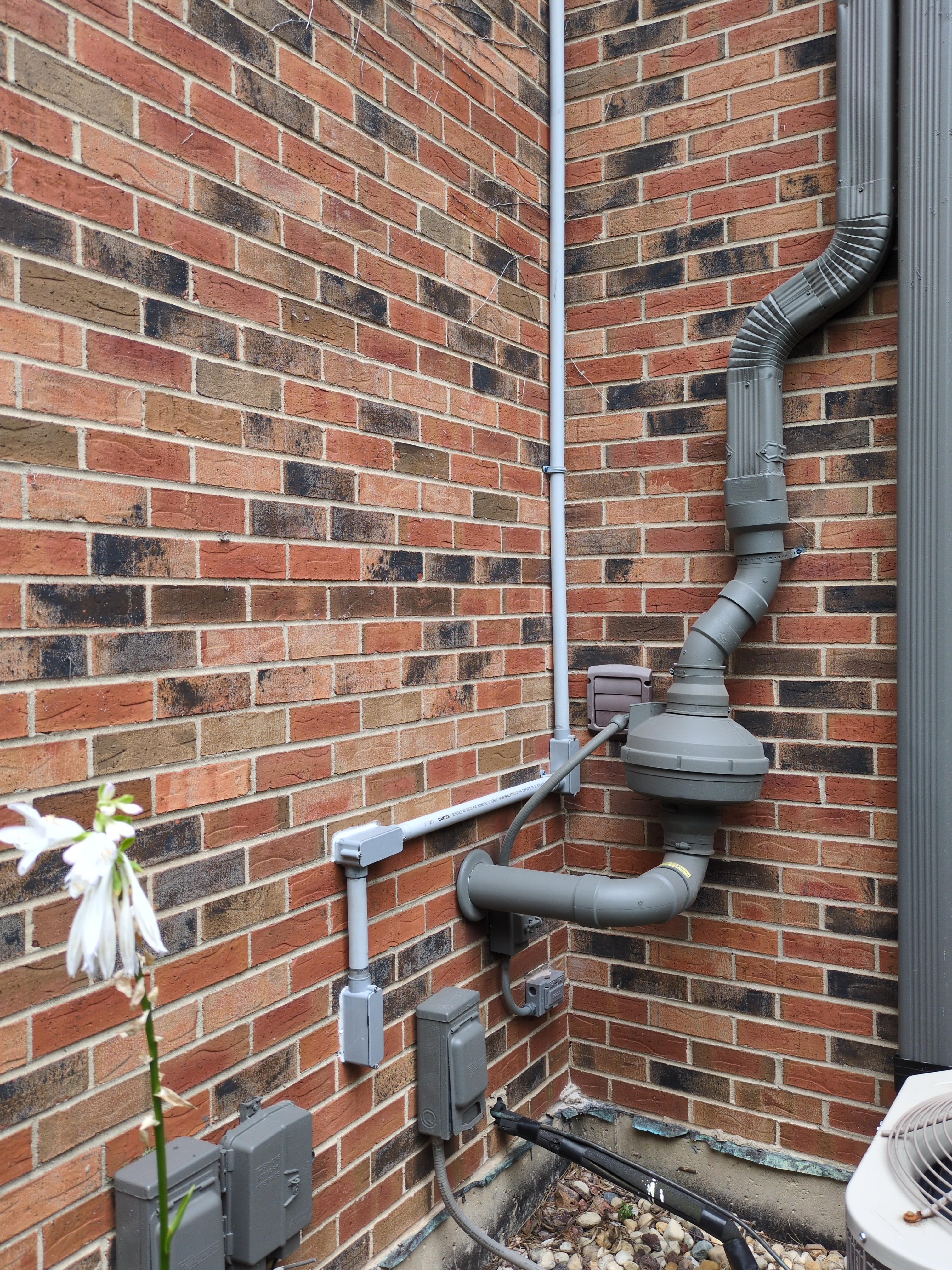
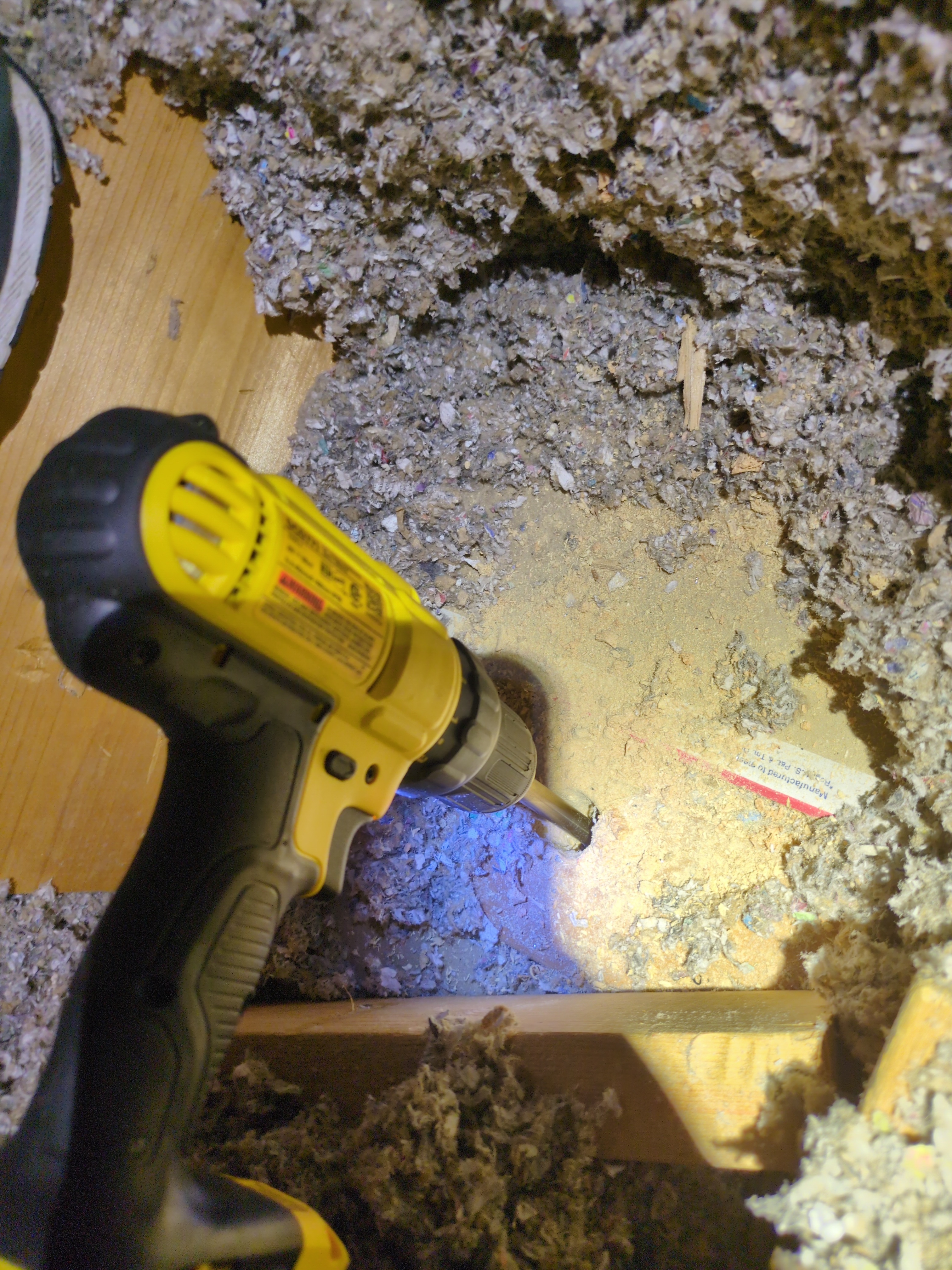
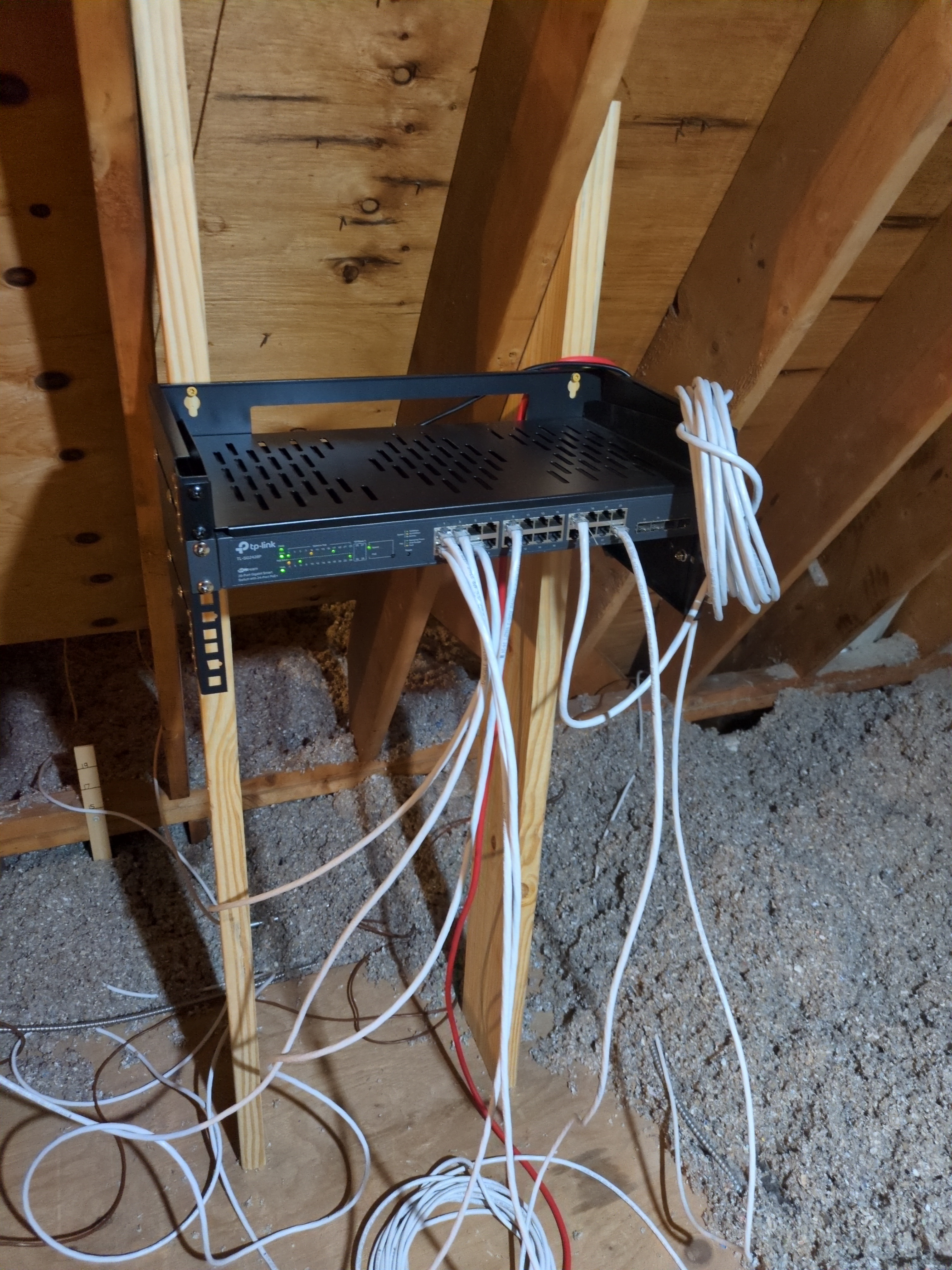
Oh, hire a contractor to install the PVC if you’re installing near your water, electric, and HVAC lines like I did. You’ll notice the bottom part where all the other pipes are going in. This is also where my ISP line comes in, water lines and power for HVAC and from that power grid. All SUPER dangerous so get a contractor you trust. Plus drilling a hole in your wall to the outside needs to be sealed properly so pests or cold don’t enter. I always prefer small local contractors I’ve worked with over some less dangerous jobs to get a feel for how they solve problems.
I did this because the previous owner finished the basement and made everything inaccessible, and I just opened up some big holes so all of that wall would be accessible for future work. That and I just like having consistency.
from the links @bsd provides that is like $1,200+ of equipment for a home network. What kind of workloads / activities are you using it for?
Running my own datacenter for my family so we can quit this tech dominated economy.
Trying to think how to open and standardize my installation and then make a small business model so I never have to work for anyone else but myself and my family. Then hopefully others can build their biz on it for their local communities and so on…
Very cool. Sounds similar to what Jake (formerly of LTT) is doing..
It can also be used as a trunk port to connect a switch. Enterprise switches often have two of these to connect all vertically in a rack. Routers look like they only need one since the other end’s the internet normally.
Gl.iNet one. They have super neat feature to randomize BSSID.
See
Also they have LuCi interface to add more advanced config. And they one from not-so-many manufacturers that have HTTPS in admin panel.
Yes, they have so much more to do but we’ll, who doesn’t?
They even moved to NTS instead of NTP (who else did that?):
2025-11-18: Use chrony instead of ntpd
Plus their support super helpful. They even helped me to write script!
For now sadly some shitty ZTE router from my ISP and as APs TP-Link Deco M4s.
I try to switch from Deco M4 to the Ubiquiti UniFi 7 Pro.
I use an N100 mini PC from AliExpress with OPNsense as the router, and two gl.iNet Flint 2s as dumb APs.
Yes this is one of the best solutions for power users, although I personally prefer Linux over BSD because I am more familiar with it and don’t need or want a GUI.
I use the router Flint 2 from GL.iNet. I upgraded to the mainline OpenWrt version immediately after purchase, because I prefer that to GL.iNet’s own version. I’m very satisfied, you can’t compare it in any way with the router I got from the provider.
I’m also looking for a new router and trying to choose between Firewalla gold SE, UCG Ultra, or OPNSense.
Any special reason you moved from your firewalla gold to ubiquiti?
Also on your Ubiquiti devices do you do anything to block or reduce data collection telemetry?
OpenWRT on Netgear WAX206 for 1 wireless client + managed switch for 4 wired clients (1 with double line)