This may have been discussed already, but I couldn’t find a thread on it.
Thunderbird allows you to send messages as plain text, HTML, or combined multi-part MIME. Settings → Composition:
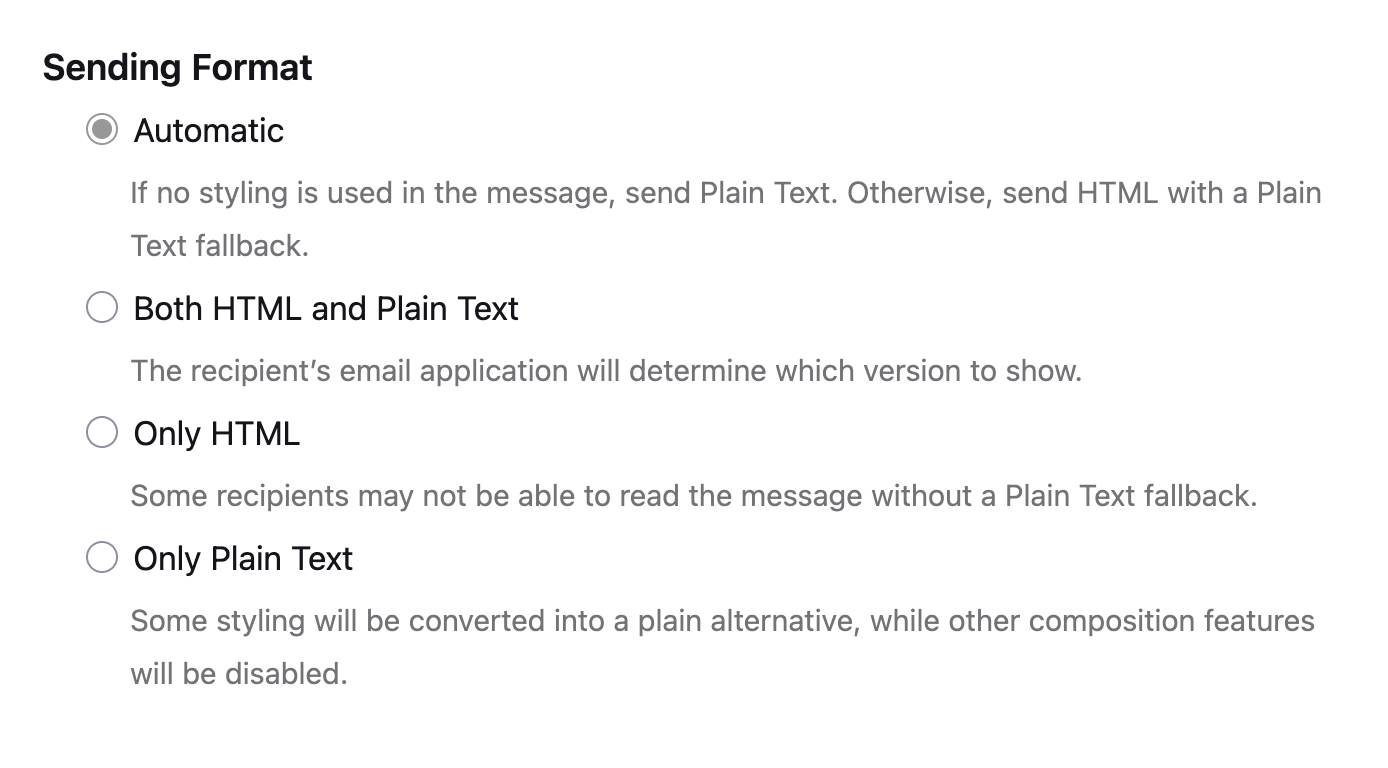
Multi-part MIME is the best option for UX because it lets the recipient’s client choose their preferred format. It is also generally the best option for passing spam filters (though plain text is good for this too).
However, Thunderbird does something strange: for MIME formats, it includes all the languages you have enabled for spellchecking in the message headers:
MIME-Version: 1.0
User-Agent: Mozilla Thunderbird
Content-Language: en-US, eo
As far as I know, this is unnecessary and Content-Language is an optional header.
People here generally dislike it when browsers or apps leak language preferences. If privacy is a concern for you, you may want to address this.
Unfortunately, disabling the spellchecker in the general settings does not solve the problem:
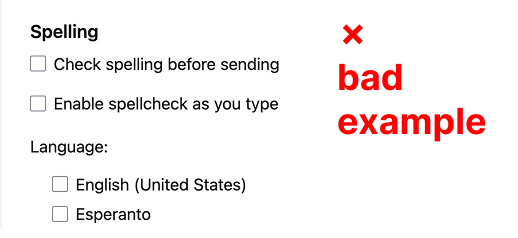
Even with it disabled, Thunderbird still leaks your preferred languages because of separate settings in the composition window. You have to manually uncheck all options there to remove the Content-Language header:
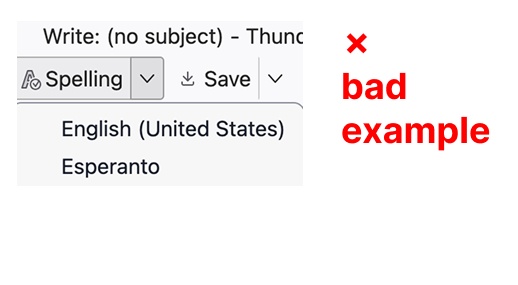
Why is this still a bad example? Because Thunderbird silently re-enables the language checks every time you create a new message. If you have any additional dictionaries installed, Thunderbird will silently check those languages. If you don’t have extra dictionaries, it silently enables the default system language.
I am not sure if there is a permanent fix for this yet. I can’t recommend using plain text only as it is a bad UX for both sides. Most private, but bad.
It is a good point to remind: one should not consider email as a private tool. It’s even better to remind: one should not encrypt emails.