With this feature you can type any random slop and have a brand new iPhone in 10 seconds.
Many people don’t know you can shorten the max passcode attempts from 10 (with delays) to
3 (with no delays) triggering the factory reset in about 10 seconds. It also bypasses Find My which usually requires a iCloud password entry to factory reset your phone.
You can type a few letters/numbers multiple times to trigger the factory reset. I will cover the Apple Configurator method since it’s free, but you can use iMazing on Windows as well.
WARNING: eSIM users please ensure you have access to your cell providers login. iCloud + ADP is recommended to make this less painful in case someone tries to be funny and type incorrect passwords on your phone.
-
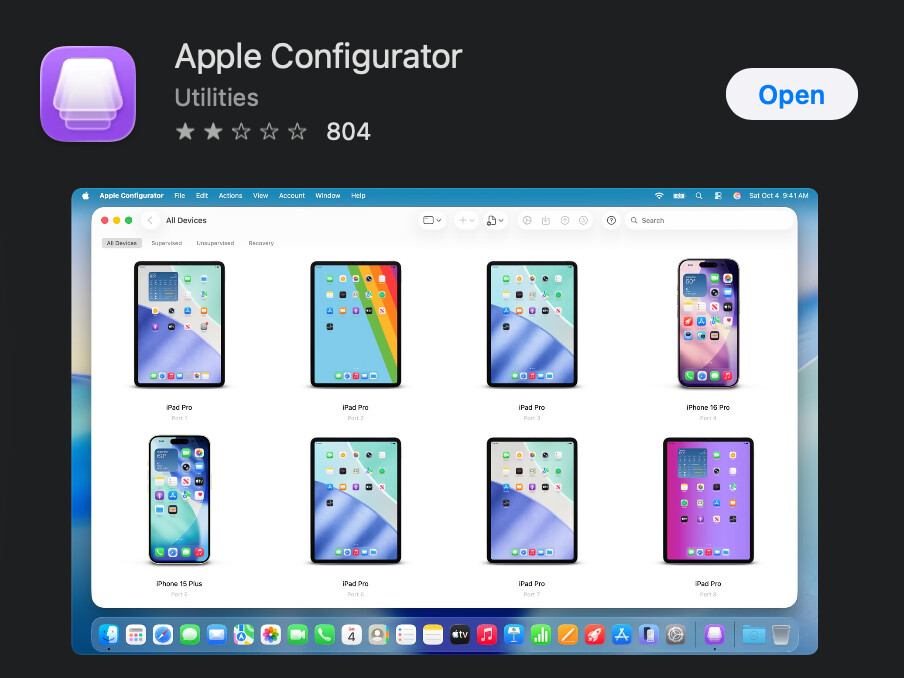
Download Apple Configurator
-
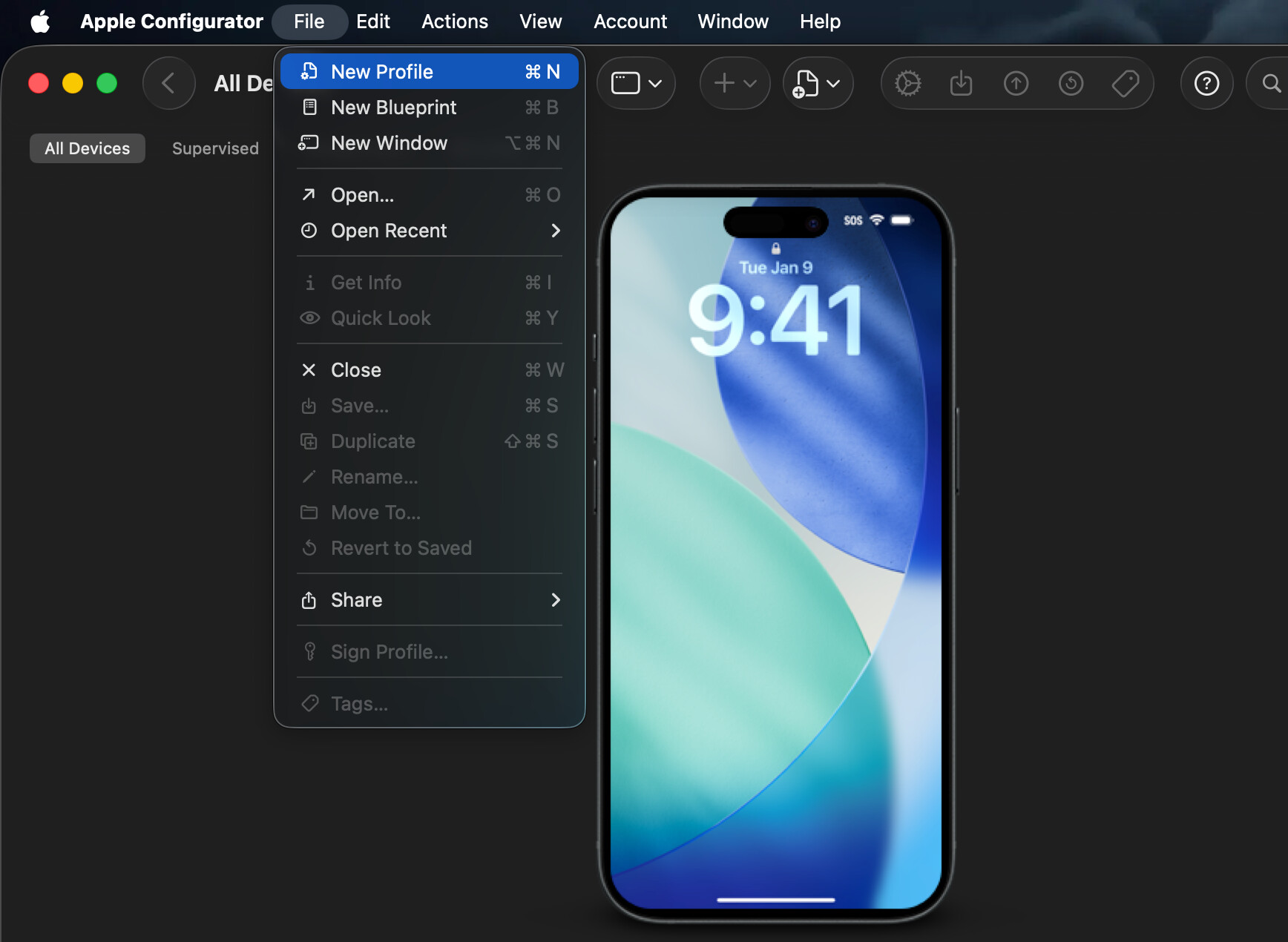
Open Apple Configurator, go to File, New Profile
-
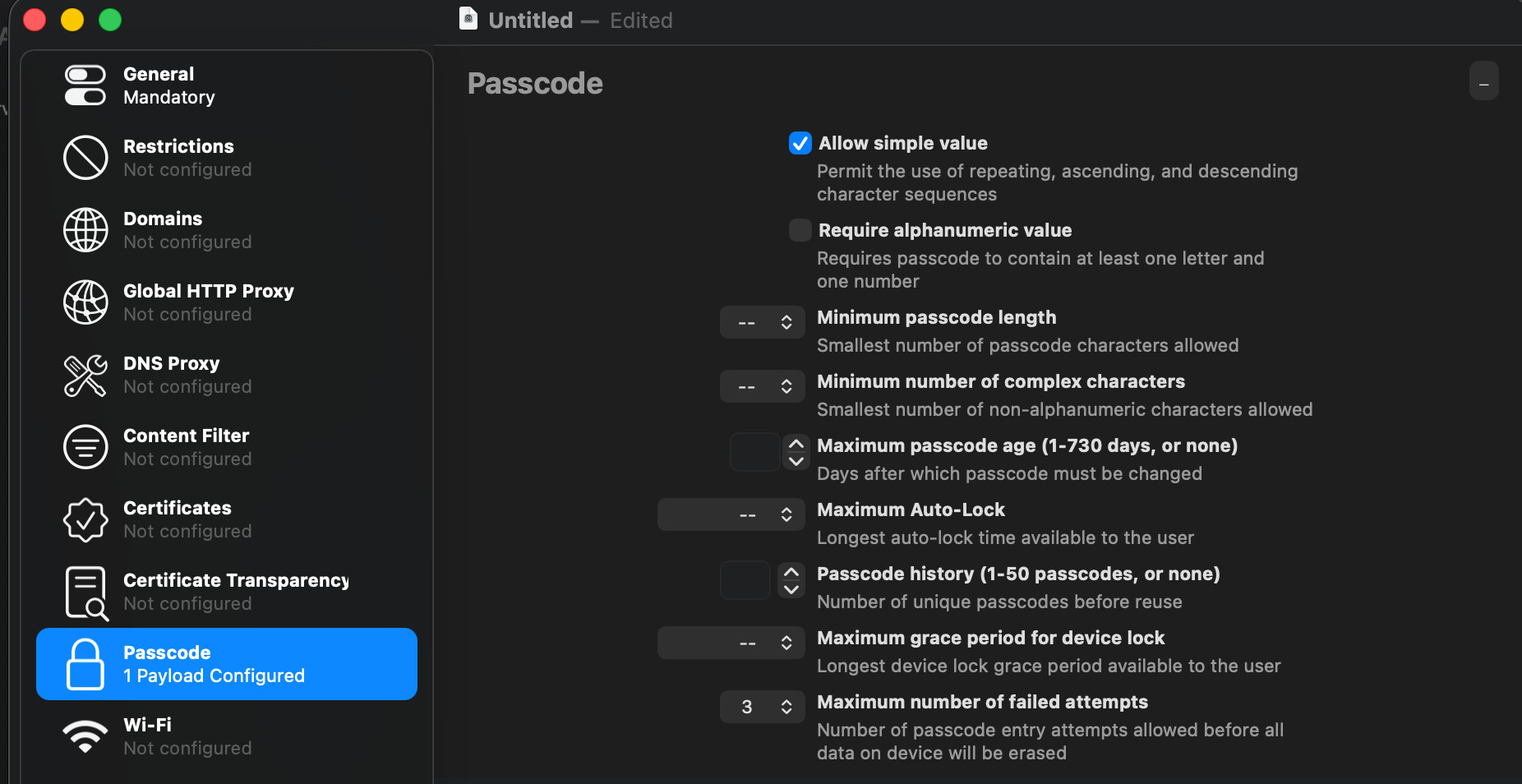
Click Passcode, Configure, then set the maximum number of failed attempts to 3 (must be kept under 4 to avoid the passcode delays)
-
Click File, and save the profile to a location you’ll remember
-
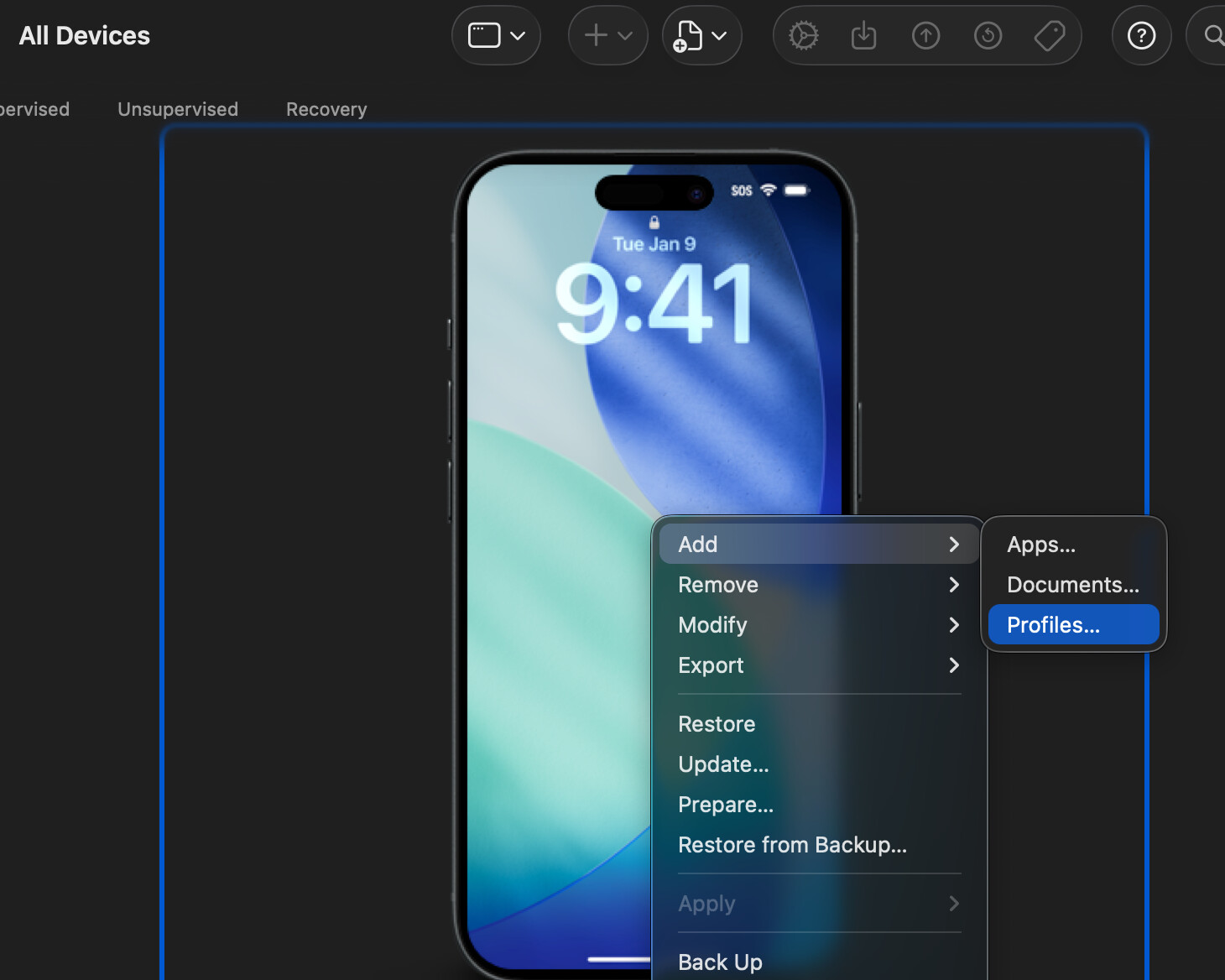
Right click your phone, click add, click Profile, locate the profile you just saved
-
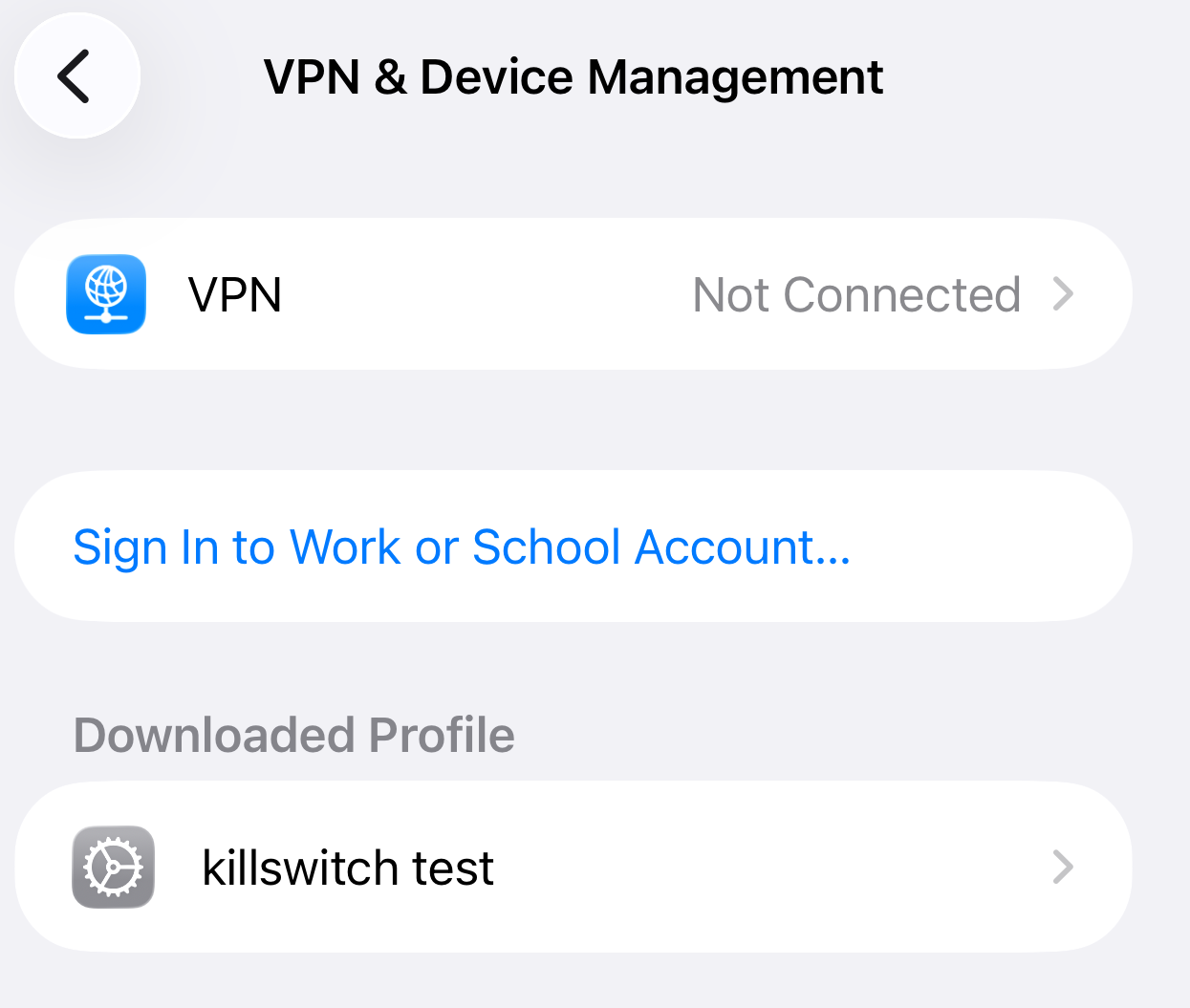
On your iPhone, navigate to Settings > General > VPN & Device management
-
Install the profile you just loaded
-
Enjoy! Here’s a video of me doing it in 10 seconds (screen freezes at 3 seconds to start the reset, apple logo appears when video ended).
-
For more anti-theft tips I recommend reading this thread