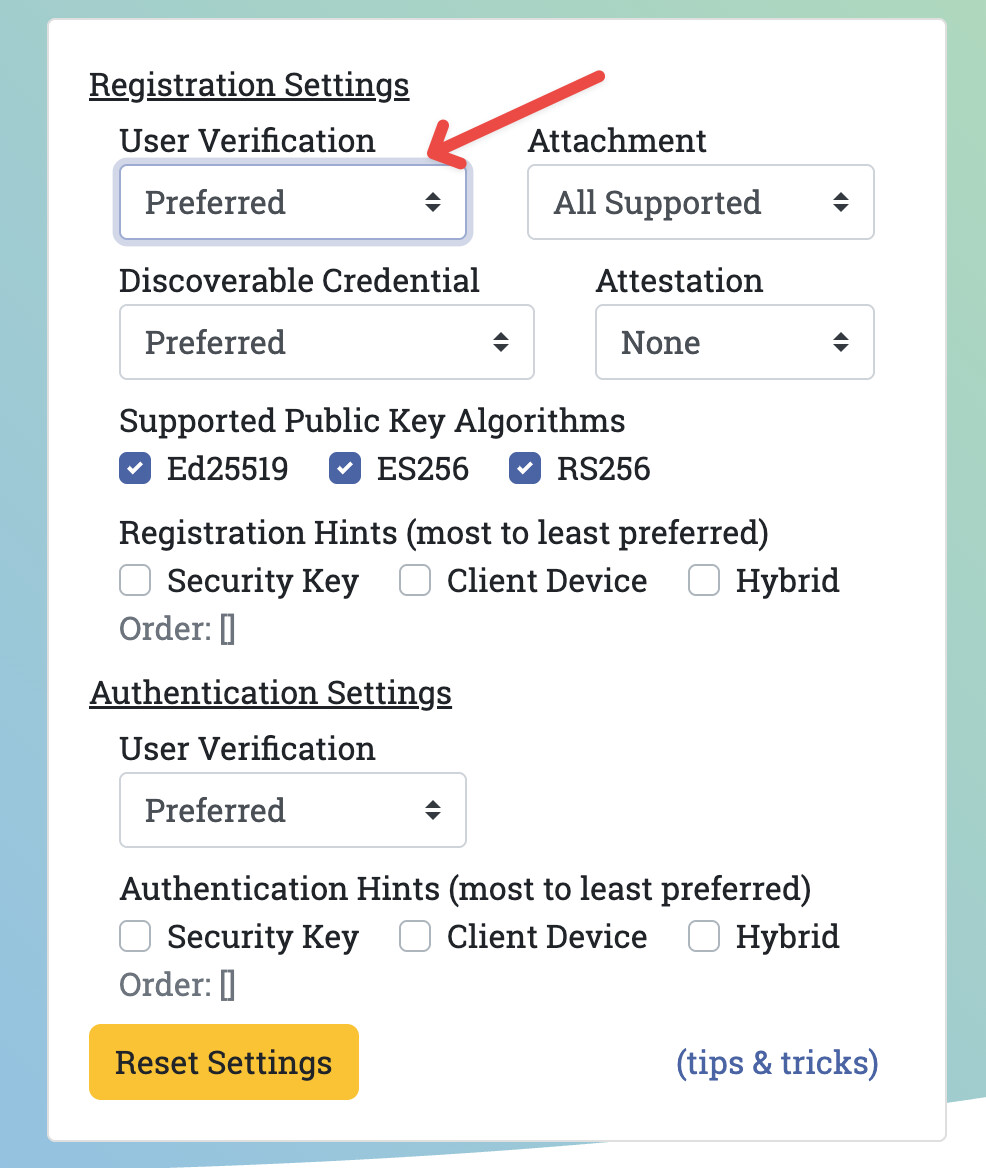
I have been using yubikeys for years. If I’m not mistaken:
OTPs are PIN protected,
FIDO2 (passkeys) are PIN protected.
FIDO/U2F are not PIN protected, because it is 2FA, but these ones does not allow you to list them, so u can’t see what u have in, just use them,
PIV (certificates): list them are not PIN protected (that is a pity), but if you want to use them you have to enter the PIN.
So in my setup the worst case if somebody finds my yubikeys: they will just know my name from the PIV tool. There is not way to list my usernames, websites or emails.
For physical password manager you might consider OnlyKey, just for their password manager functionality, because they are PIN protected. I think it could be handy for redundancy for some passwords like: your password manager master passwords, LUKS passphrases… wherever you can’t use a password manager.
So there‘s no way to remember only one password since you need at very least phone, pc and password manager password to remember and they should be all different?
My phone password is the same as my password manager because it’s the default password manager on iOS. As long as the password is secure I don’t see the issue. When you have passwords for a lot of online services, each one has the possibility of not storing the passwords properly hashed and salted or you leaking your password via phishing. The password for your password manager is the only one you’re remembering it’s not as big of a deal if it’s the same as your phone for example.
But can‘t provide this a little bit more security if there‘s a bug in the secure enclave processor they can have access to your device but not to your passwordmanager if they are both different?
Yes, this is totally only to the very very high threat models important, but is it really for them or is my above reasoning not correct?
The password manager is going to be using the system API in order to hook into apps and things, so it’ll be using your phone password anyway. I doubt it’s going to provide any extra security.
Obviously having a different password for your password manager can’t hurt I just don’t think it’s all that important.
I only remember the password of my password database and a dozen PINs for various technical devices and access controls with exceptions such as access such as online banking etc. They are only in the head, they are not written down anywhere else.
If your password manager is encrypted (e.g. keepass) you can store it in an USB stick, HDD… in a non encrypted volume since it is already encrypted. So even if you forget the phone/computer passwords, you can get access. You can keep the phone/computer passwords into your password manager just in case you need to remember them.
For my computer LUKS passphrase, I am considering buying a PIN protected onlykey, just for convenience. I will keep the LUKS passphrase in my password manager with offline/offside backups in case my onlykey dies.
I do have a PIN for everything too.
Yet, when I do use my Yubikey with a passkey on Github, it does not prompt me for anything else regarding the challenge. It’s a server setting that you’re free to leave in auto, force or (in this case) discard fully.
Hence my GH account is currently not double-secured with Yubikey + PIN, just Yubikey.
I have just signed in my GitHub account to review how it works. The ways I can authenticate in are:
Yubikey PIN + Yubikey FIDO2 passkey : no GitHub password required. This FIDO2 Yubikey PIN is critical, essentially it is the knowledge factor of my GitHub authentication.
password + Yubikey PIN + Yubikey TOTP code : this Yubikey PIN is not required for having a secure GitHub authentication. The main reason of this OAuth Yubikey PIN is to avoid that a casual attacker could get the list of your accounts protected by TOTP.
password + Yubikey U2F → no Yubikey PIN needed. As the password is the knowledge factor, the Yubikey U2F is not protected by PIN, and as we can’t list them, there is not risk that an attacker could figure out what accounts we have, so we do not need to have a PIN here.
In summary: every way I have to authenticate in GitHub has at least a knowledge factor and a possession factor. Like it should be.
My old Yubikey PIV is not protected by PIN. So an attacker that get my key could see I have such certificate, but he can’t use it. From firmware 5.3 PIV is PIN protected.
I feel like Github has discouraged for their auth workflow? Hence why I never need a PIN to log in.
Also, it doesn’t look like it’s a customizable setting of any sort.
Maybe I’m wrong but on another website, I do successfully get prompted each and every time for my PIN code. Yet, the passkeys are done in the same way, hence why I thought it was more of a server config on the 2 different apps.
I’ll give that topic a thorough learning, my knowledge is just from an end-user and not developer side of things (as of today).
EDIT: nvm yeah, I do actually need:
username
Yubikey
PIN
I guess I just got confused because I sometimes need to re-auth for sensitive operations on the platform and in those cases, the auth is more basic (without the PIN).
I swear, I thought I was bypassing the PIN but a quick try on a private tab proved me very wrong.
when u are authenticating with a password (this is the knowledge factor), then with the yubikey you just need a possession factor (U2F = universal 2 factor, so we do not need PIN protection). Be aware that u can list the FIDO2 passkeys in your yubikey, but you can’t list the U2F that you have in your yubikey.
when u use only the passkey, besides of course the username, you must need a PIN. This is FIDO2. Otherwise, without this PIN you are getting authenticated by just a possession factor; and this would not be 2FA, it would be still just one factor, but possession one, you have switched just from knowledge factor (password) to possession factor (holding your yubikey), but still 1FA. So the yubikey PIN for passkeys is the knowledge factor. We need this PIN in FIDO2.
If I am not wrong, be aware that the bucket where passkeys live and the U2F live are different. I am aware of one web account where I have enable two ways to be authenticated (a) just passkey and (b) password + U2F in my yubikey. When I get authenticated by the first way the yubikey asks me for the PIN, but in the second way (U2F) the yubikey does not ask me for the PIN.
I would say you have missed sth in the yubikey setup.
no, although I have the same PIN for every yubikey tool, I think they can be set independently. They are not related.
I configured my yubikeys so long time ago, i do not remember, the steps I followed.
U2F and passkeys (FIDO2) cryptografically are the same, but they belong to different protocols. I would say they are stored in different compartments in your yubikeys, and the protocol procedures to access them are different. The 2nd one requires a PIN
I’ve memorized 6 passwords I consider too sensitive to exist anywhere outside my mind.
I am using a PG-recommended encrypted PW manager, but it is online - if I was running a purely local manager, I would likely reduce the memorized PWs to 3 or 4
Finally remembering a password from an old device, before the age of password manager, feels certainly rewarding. Had one system still encrypted with TrueCrypt…
Using passphrases made things simpler to memorize for similar password entropy.
Yeah I noticed, there are also quite some limits on the amounts of keys available.
Hopefully I’m decluttering my life and have less stuff there recently.
Yeah it can become confusing and complex quite quickly.
A read the official docs on the topic some time ago and it was indeed quite complex for sure with a lot of various standards and specs that are cross-compatible/identical.
 )
)