I do think that it’s a very stable place to store any kind of file given how popular and compatible it is. Everybody has a layer of compatibility with it if not a 100% support out of the gate. Only thing is to encrypt it before shipping it to the cloud.
Indeed, don’t plan according to this week’s deals but thing about the long term.
A yearly plan to try out the product sounds like an amazing idea all along before committing fully to it!
I think that there is not a lot more after photos + videos + documents.
Issue will always be the same, you hope that:
companies do what they advertise
they won’t ever have anything serious even tho, they probably are targets to a lot of daily attacks
they won’t bankrupt because of some unlucky accident or some poor decision making
On the other side, if money and learning are also limiting factors, I guess that it doesn’t leave much more else than buying an off-the-shelf from QNAP, Synology, Ubiquiti or alike.
That’s not the only reason I avoid Tresorit. I admit that it’s a highly sustained service that has been operating for 14 years, but I don’t like having government involvement in any privacy service. While Switzerland is known for its strong laws and regulations regarding user privacy, I still don’t trust any government enough to feel comfortable using a service owned by a government entity. Proton operates out of Switzerland, and they can shift to another country if they choose, but I don’t think Tresorit has this flexibility due to being owned by Swiss Post.
I’m okay with any company as long as they maintain transparency and have good encryption. Personally, I follow the idea of not putting all my eggs in one basket, so I always try not to use multiple services from one provider, unless they are linked with each other, like Mail and Calendar.
Price is not a deciding factor for me; if the service is on the costlier side, I’d start saving to take their paid plan, but I’m not ready to compromise even an inch on my privacy.
It’s not good-looking, but usable. The autofill feature of the Psono password manager has never worked for me; I tried it on different mobile devices, and the results were the same. In the world of passphrases, it only generates passwords, lacks a dedicated app lock.
As long as the service is client-side encrypted or zero-knowledge encrypted, I don’t care which country they operate from. If you talk about Tresorit, well, that app is owned by the government, which is the only reason I’ve never used it.
As a beginner, I believe remote access is the most dangerous option if not configured properly. I’ve tried NAS before and might maintain a copy of my data on NAS in future, but I’ll never allow myself to access it remotely.
I plan to try out Synology NAS if I get a chance. Even if I set it up, I’ll still keep these cloud services. Not a big fan of NAS, by the way.
Actually, there was a mistake on my part. I didn’t want to compare Ente and Filen specifically, but rather Ente vs. any client-side encrypted cloud storage. This could include services like Proton Drive, Sync, Mega, Tresorit, or anything else (I’m not aware of other client-side encrypted cloud services).
Ente is not a proper cloud storage solution, but it still offers end-to-end encryption. Since I’ll only be saving photos, videos, and some documents, choosing Ente is not a problem for me. However, I’m not aware of the level of privacy offered by Ente compared to other encrypted cloud services.
While writing this post, many things were running through my mind, which is why I mentioned Filen, but I actually wanted to compare Ente with other client-side encrypted cloud storage options. Since I’m planning to buy a lifetime plan for Filen, I mentioned it mistakenly.
That’s the reason I’m looking for a client-side encrypted service. Using encryption software is not on my list this time; I want to use a service where I don’t need to encrypt files separately myself.
Initially, I thought about getting an external SSD to save a copy of my regularly used data, but later I realized that if I carry it separately, people might become curious about what types of data I’m keeping. So, I’ve decided to opt for encrypted cloud storage this time, allowing me to access my files whenever I want without the need to carry a separate device. Even if my mobile is lost, I can still access my data from another device.
Yes, if I can make my decision within this time, then I might consider buying a lifetime plan (if needed).
Yes, but I’ll maintain a second cloud storage in the future where I’ll save a copy of my entire data. For now, I’ll keep images, videos, and documents in the cloud.
The problems with client-side or zero-knowledge encrypted cloud storages are:
Proton Drive: Falls under the Proton ecosystem
Sync: A year ago, they removed all the encryption keywords from their website. I emailed them, but they didn’t provide any reason.
Mega: Has a shady history and lacks a dedicated storage plan.
Tresorit: Owned by the government, making it less flexible.
Filen: Relatively new, making it hard to trust—more like a gamble.
I don’t know if any other options exist that offer client-side encryption or zero-knowledge encryption. So, I have to choose from the options mentioned. All other privacy-friendly cloud storages might offer this level of encryption but in separate vaults, while their regular storage uses standard encryption.
Client-side encryption helps to trust the provider slightly more, as no one, including the provider, can access my data.
Not this time. I’ll use encryption software when I upload a copy of my entire data to the cloud.
The advantage of zero-knowledge storage is that the browser, mobile app, or desktop sync client acts as the encryption/decryption key. This allows you to view cloud-stored files without needing to download and decrypt them first, as would be required with a third-party encryption tool like Cryptomator.
Sorry, I don’t have much knowledge about S3 storage. Based on the per-hour pricing structure, I assumed it was an S3 storage provider.
After spending time on their website and reading Reddit posts about it, I’m concluding that the best use for this service is for device backups and server backups. Since I don’t self-host, I don’t think it would be a good choice for me. Additionally, the setup might be more complex than simply using a cloud storage service.
Firstly, apologies if there is another topic on this. Discourse searching is bad/borderline abysmal.
I’m using iOS. I’ve recently moved from Proton Drive to Ente, mainly because Proton Drive (imo) isn’t designed for photo storage (and certainly not retrieval with their dreadful lack of basic function to bulk download back to iOS.
So, Ente: Does anyone know if there is a way (on iOS) to prevent the image caching? Ente is very quick to download full images into cache as well as thumbnails - even just after opening the app without scrolling. I’d rather it not.
My (near) workaround is creating a “hidden” area which won’t cache unless going into the hidden area. But I don’t want to hide them! I just want an option not to cache BUT still remain searchable. This is clearly capable as searching still returns uncached images due to the math. Great. But don’t create the thumbnails and full remote images…!
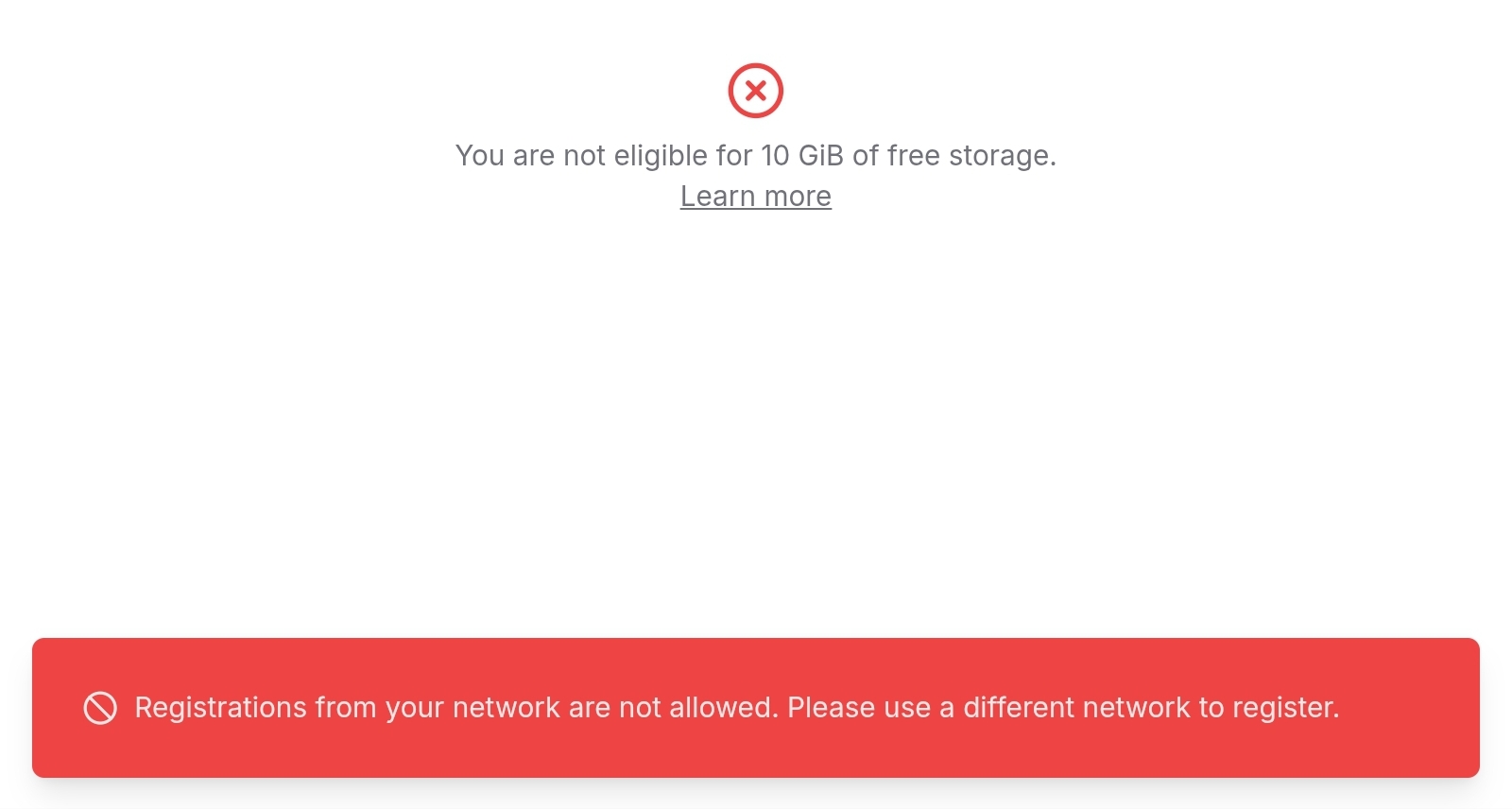
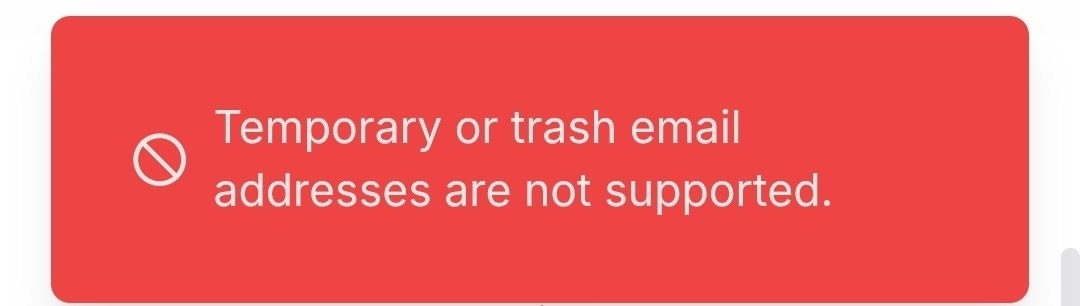
You are complaining about requirements they have for people who use the service for free, not the actual service itself. You can use the service paid for as low as $1 per month, which is unbelievably affordable.
I used Filen about a year ago and only left because I will feel more comfortable with them after an audit. I’ll return once they get their audit done. The drive service was incredible, worked much much better than Proton at the time. The only issue was that the notes section was sometimes a little glitchy, but I’m not sure if they’ve fixed that.
I signed up with an alias email and use always on VPN. It worked great. You are getting notes and drive for much cheaper than either one alone from Proton. It seems like a great offering to me.
For what it’s worth, I signed up to Filen with an email alias service (addy.io) and a VPN connection (Mullvad) and didn’t encounter any issues. I am on a paid plan, maybe that makes a difference. Or maybe they introduced these restrictions some time after I signed up.
What is changing is one part of how new free accounts are created. We are doing this because abuse has grown to a point where it is starting to create real problems for the service and for regular users.
This post explains what is happening, why we are adjusting the system, and exactly who is affected.