Hi
Hi everyone,
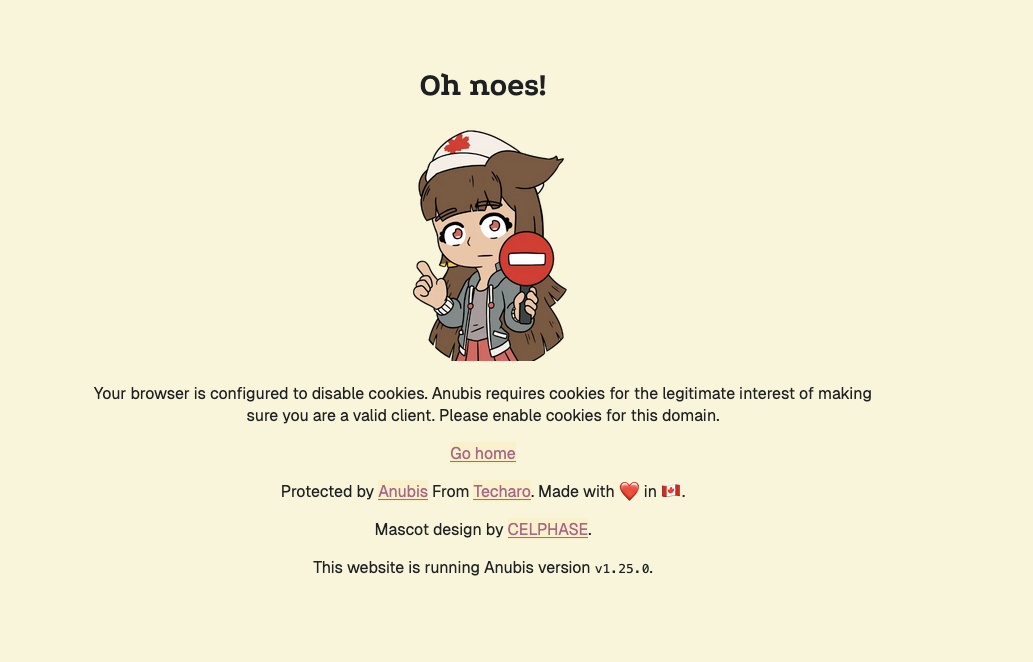
I’m regularly hitting Anubis https://github.com/TecharoHQ/anubis proof-of-work challenges and instead of the challenge completing, I always get the “Oh noes! Your browser is configured to disable cookies” error page (currently seen with Anubis v1.25.0).
Setup:
- Mullvad Browser (latest), macOS 27, without VPN
- Default settings — I’m aware private mode and first-party isolation are on by design
- Happens across many different open-source sites running Anubis, so it’s clearly not site-specific
From what I understand, Mullvad Browser breaks Anubis’ flow because it can’t reliably set the challenge/verification cookies.
Questions:
- Do other Mullvad Browser users see this as well?
- Has anyone found a workaround that doesn’t defeat the purpose of the browser?
example: Making sure you're not a bot!