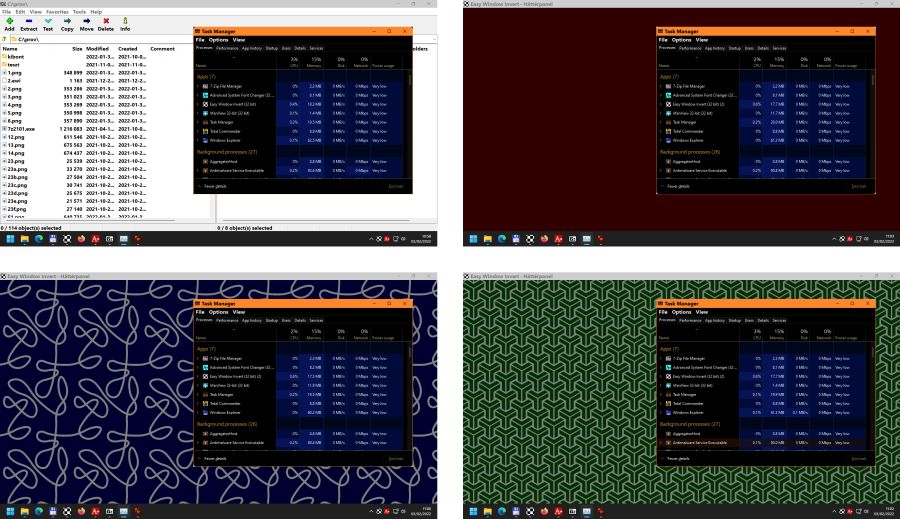
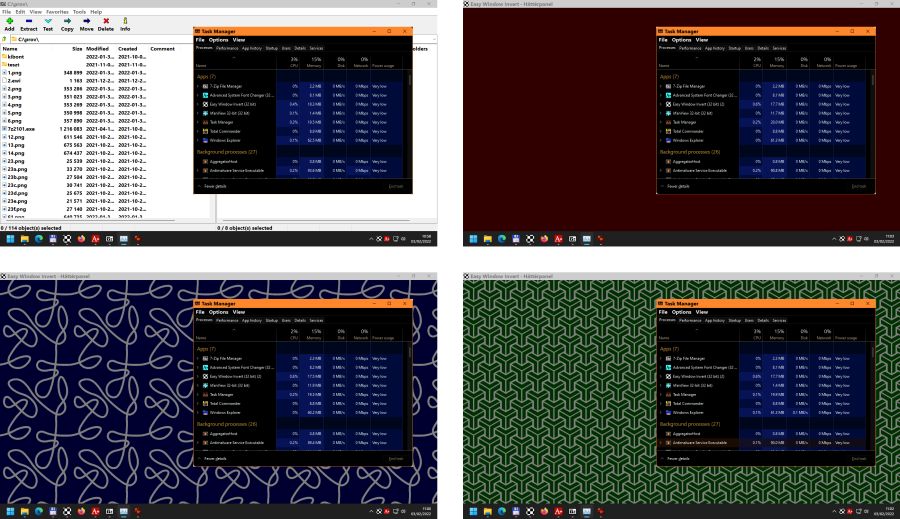
Good day, sorry if this goes against any rules about posting long after a thread had activity. But for anyone else that comes over this post looking for a solution. Using a separate program to add a filter to the Mullvad browser window to invert the coolers or any other filter that is less straining on the eyes, then pure white. Have been a functional solution for me.
You are not supposed to install any extensions in Mullvad browser as this will change your fingerprint and potentially void the reason why you are using Mullvad in the first place.
@Bot0matic232 didn’t suggested a browser addon/extension. It’s a dekstop software.
Here’s an extract from their website:
Easy Window Invert visually changes the display of windows. By using the software, you can significantly increase the user experience. It allows color-blind as well as visually impaired users to use the computer.
You can use Easy Window Invert to create dark mode for software that does not have a dark mode. If there is an annoying contrast difference between the active window and the rest of the screen, it can cover the distracting parts of the screen using a hotkey-activated background panel.
Since this methodology works outside of the browser, is it better than “Dark Reader” and “Dark Mode” for privacy? I have never seen anything like that before, and I don’t know this specific software either, but it seems like the only not-fingerprintable workaround that even my parents could easily use.
Overall, the less extensions in your browser the better.
I also dislike that and need some for a better QoL in my day job but for when I do need a bit more privacy, I usually keep it to a minimum. Also limits my attack area to a minimum by not having random shady bros running scripts on my machine.