I created an anonymous IG account because I noticed that a lot of journalists, activists, and organizations I follow post more there than they do on Twitter, BlueSky, Mastodon, or YouTube.
I only use this account on the web to protect my privacy, and I have noticed that my feed overwhelmingly features accounts I don’t follow.
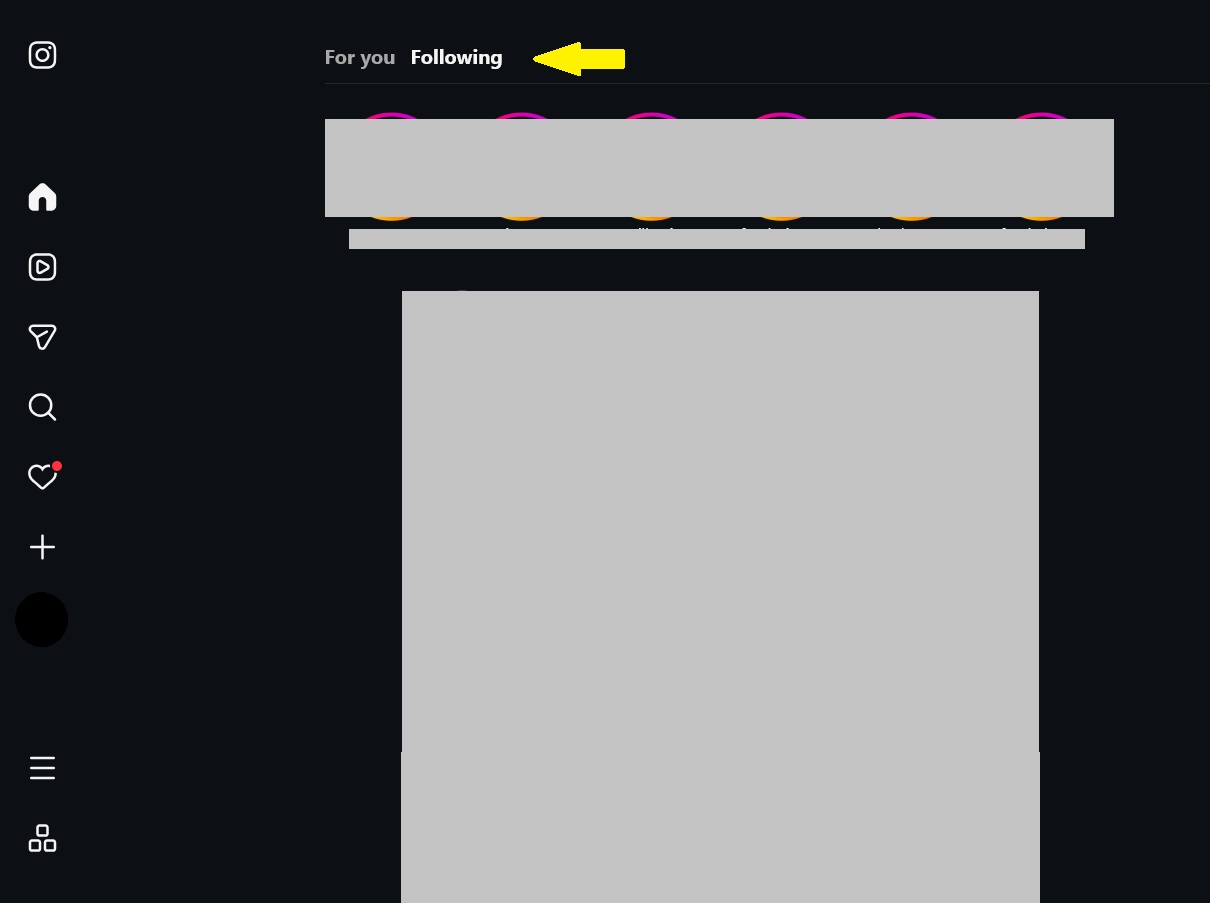
Is there a way to only see accounts I follow on web?
It’s so weird that I don’t see those settings on my side. I don’t know if it’s because I have Firefox’s default container for Meta’s websites or because my account hasn’t been logged on a phone in many years, and back then all you saw is people you followed.
Based on research, I know that the setting exists on the mobile app, but I couldn’t find anything about it for the web on desktop.
I’m aware of Kittygram. It’s quite buggy for me. I prefer Imginn.
That being said, I wasn’t trying to view a post anonymously but simply see a feed of just people I follow.